Anyone who has wandered the corridors of a hospital, a university campus or a large office looking for the right room knows how stressful it can be to get lost. Good wayfinding helps people reach their destination calmly and on time. Digital screens make wayfinding more flexible, because directions can change whenever the building does.
What is wayfinding?
Wayfinding is everything that helps people understand where they are and how to get where they are going: signs, maps, room numbers, colour coding and landmarks. Digital wayfinding uses screens, and sometimes touch screens, as part of that system.
The main types of wayfinding signage
Wayfinding signs generally fall into four groups:
- Identification signs tell you where you are, such as a department name or room number.
- Directional signs point you towards destinations, usually with arrows.
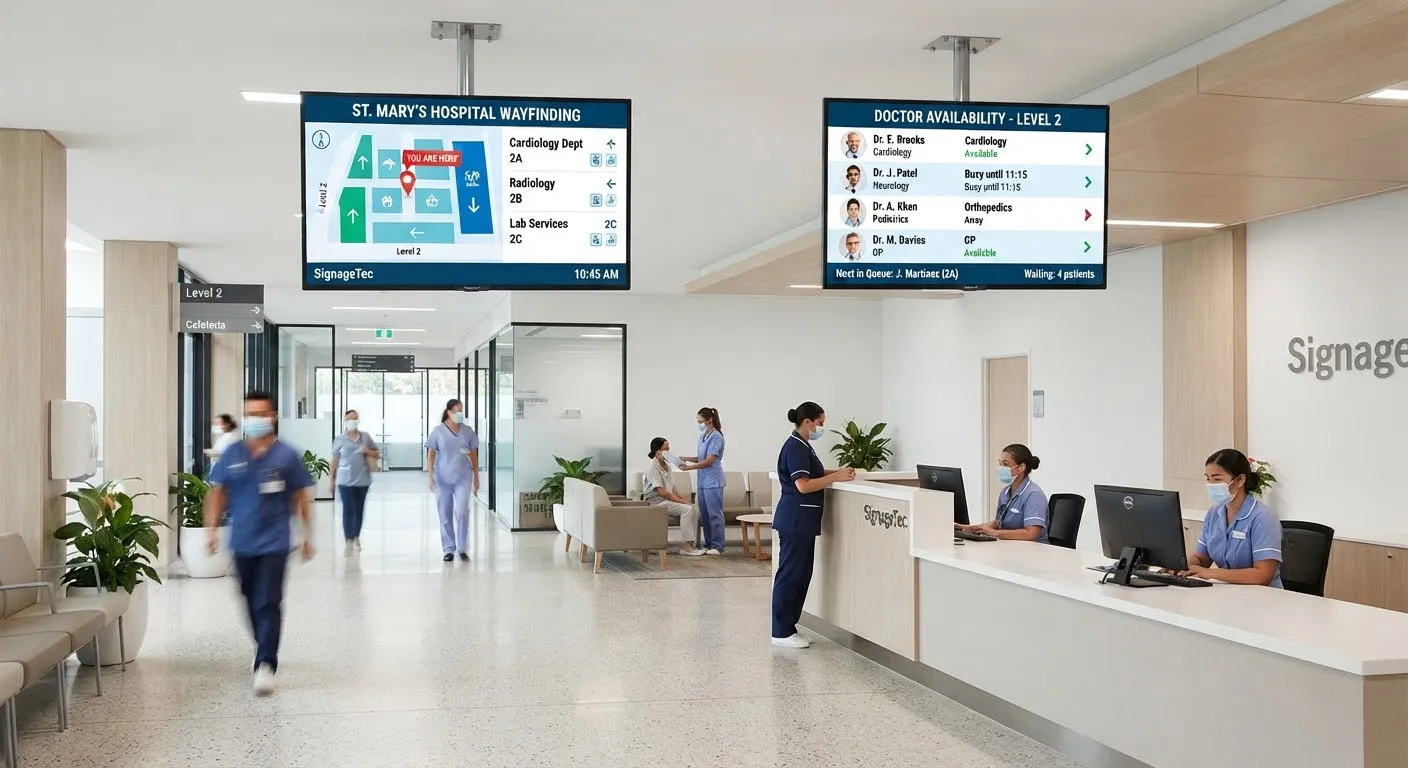
- Orientation signs give an overview, such as a site map with a “you are here” marker.
- Information signs share rules, opening times or general details about a place.
Digital screens can do all four, and can combine them on a single display.
Why go digital?
Directions that change
Rooms move, events take place in different halls and departments relocate. A digital screen can be updated in minutes, while printed signs need replacing.
Live information
Screens can show which meeting room an event is in today, which clinics are running or which entrance to use during building works.
Interactive maps
Touch screen kiosks let visitors search for a person, department or room and see a route, which is especially helpful on large sites.
Multiple languages
Screens can rotate directions in several languages, or let visitors choose their language on a touch screen.
Where digital wayfinding works well
- Hospitals and healthcare sites, with many departments and anxious visitors.
- Universities and colleges, with large campuses and changing room bookings.
- Offices and business parks, for meeting rooms and visitor reception.
- Hotels, conference centres and venues, for events and facilities.
- Shopping centres and transport hubs, for stores, toilets and exits.
Planning your wayfinding
Map the journeys
Walk the routes visitors take from each entrance to key destinations. Note every point where someone has to make a choice. These decision points are where signs matter most.
Keep names consistent
Use the same names for departments and rooms on screens, printed signs, websites and appointment letters. Confusing or inconsistent names are a common cause of people getting lost.
Design for a glance
- Large arrows and short destination names.
- A clear “you are here” marker on maps, oriented to the direction the viewer is facing.
- Strong contrast and readable fonts.
- Colour coding, used alongside text rather than instead of it.
Combine digital and static
Digital screens work best alongside clear printed signs, not as a total replacement. Fixed room numbers and fire exit signs should stay.
Plan for emergencies
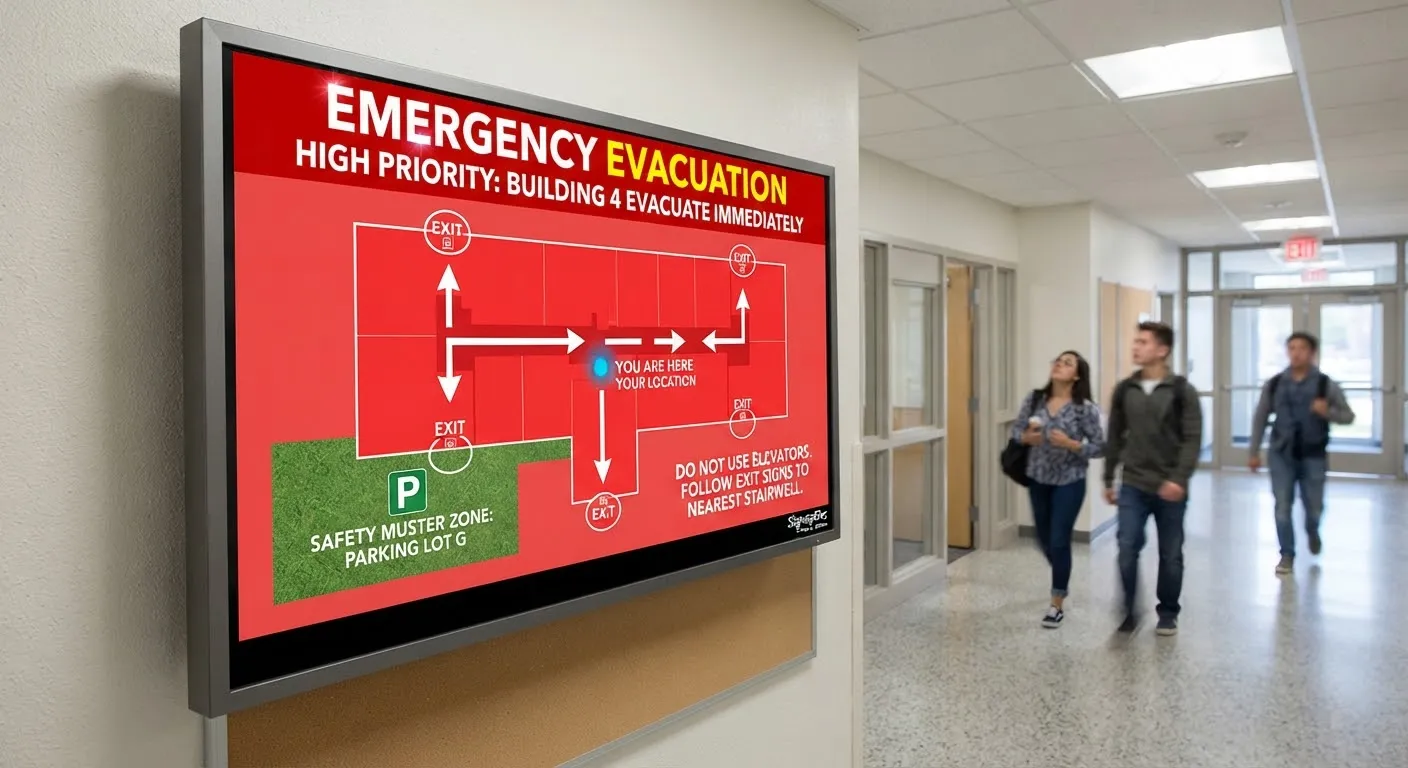
Wayfinding screens can show evacuation routes or temporary closures when needed. See our guide to emergency alerts on campus screens.
Accessibility
Place screens at heights that work for wheelchair users, provide step-free route options and avoid relying on colour alone. Our guide to digital signage and accessibility has more detail.
Keep it maintained
Assign someone to check that wayfinding screens are working and accurate, especially after building changes, room moves or new departments opening.
Getting started
SignageTec supplies wall-mounted and ceiling-hung displays, totems and touch screen kiosks for wayfinding projects. See how hospitals, campuses and venues use screens on our industries page, or contact us to discuss your site.