Every business wants more customers through the door and a little more from each visit. Digital signage helps with both. A well-placed screen can stop a passer-by, remind a customer about something they had not thought of, and put the right offer in front of them at the right moment. Unlike printed posters, it can change in minutes, so your promotions are always current.
This guide covers practical ways shops, restaurants, cafés, banks and other customer-facing businesses use digital signage to increase sales, and how to tell whether it is working.
1. Draw people in with your window
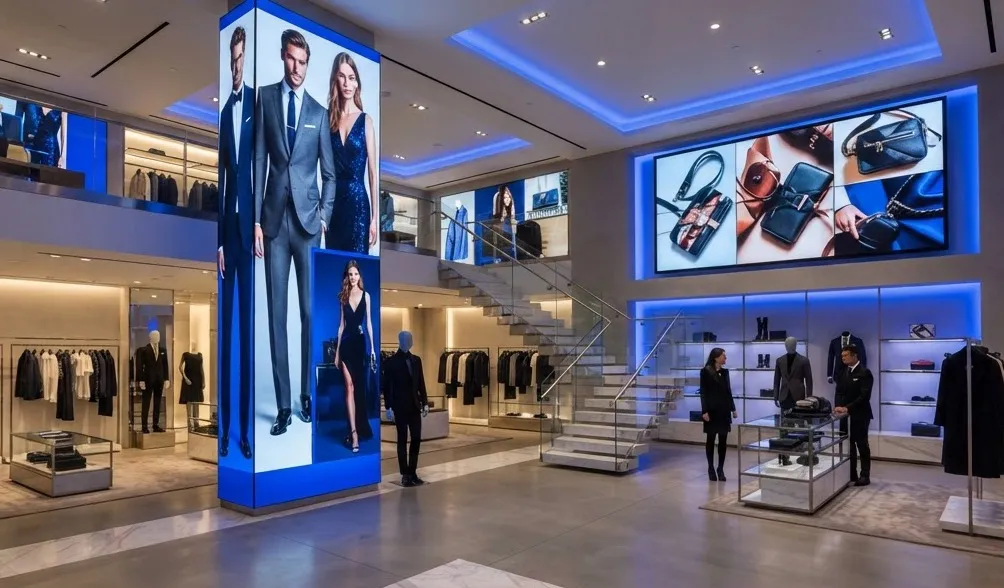
Your window is your first chance to make a sale. Moving images and bright, changing content catch the eye of passers-by far more effectively than a static poster that has been there for weeks.
- Show your strongest offer or newest product, not your whole range.
- Change content through the day to match who is walking past, such as commuters in the morning and families at the weekend.
- Use a high-brightness window display if your window gets direct sunlight, so the message stays readable.
2. Promote at the point of decision
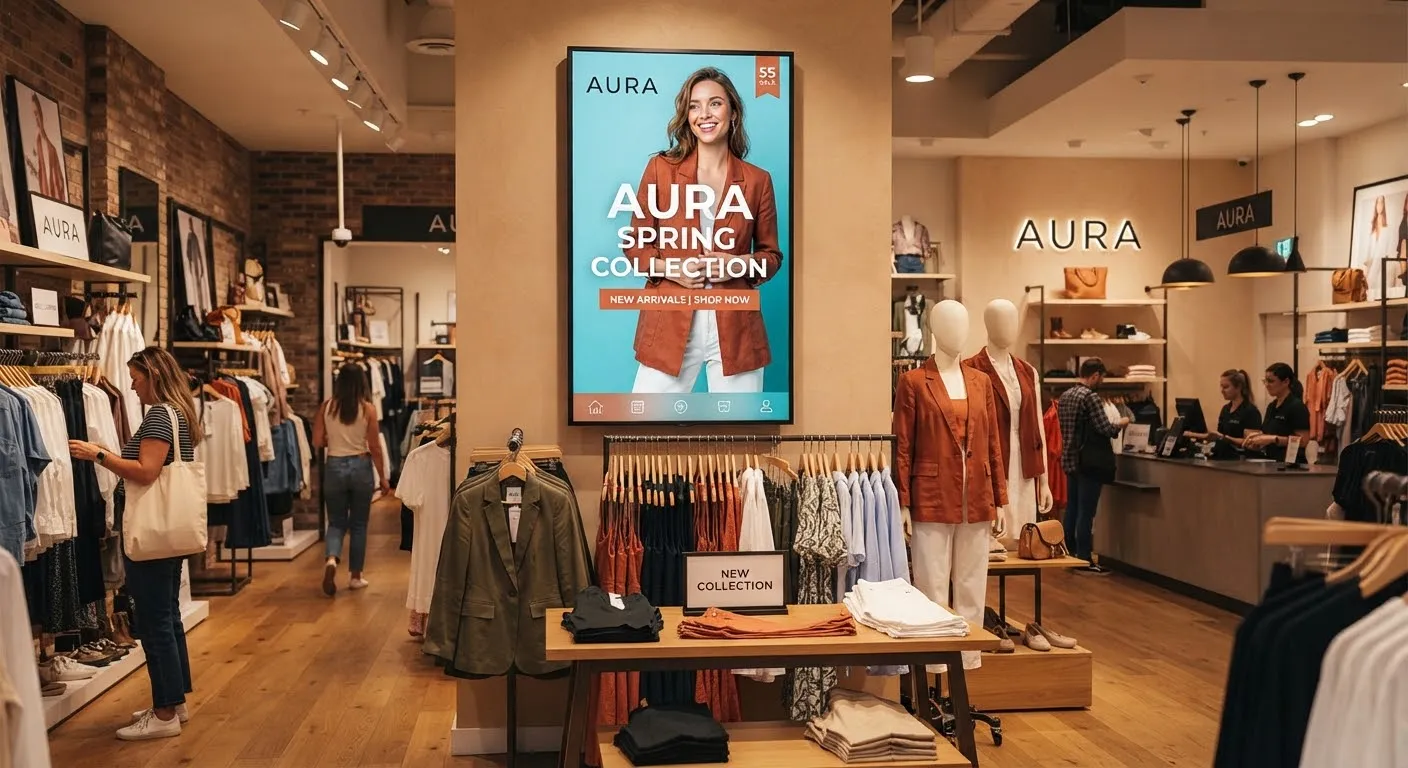
Many purchase decisions are made in store. Screens placed where customers choose, such as above the counter, beside a product display or at the end of an aisle, can tip the balance.
- Feature high-margin products and bundles prominently.
- Show what a product does, with a short video demonstration, rather than just its name and price.
- Highlight limited-time offers to give customers a reason to buy today.
3. Upsell and cross-sell
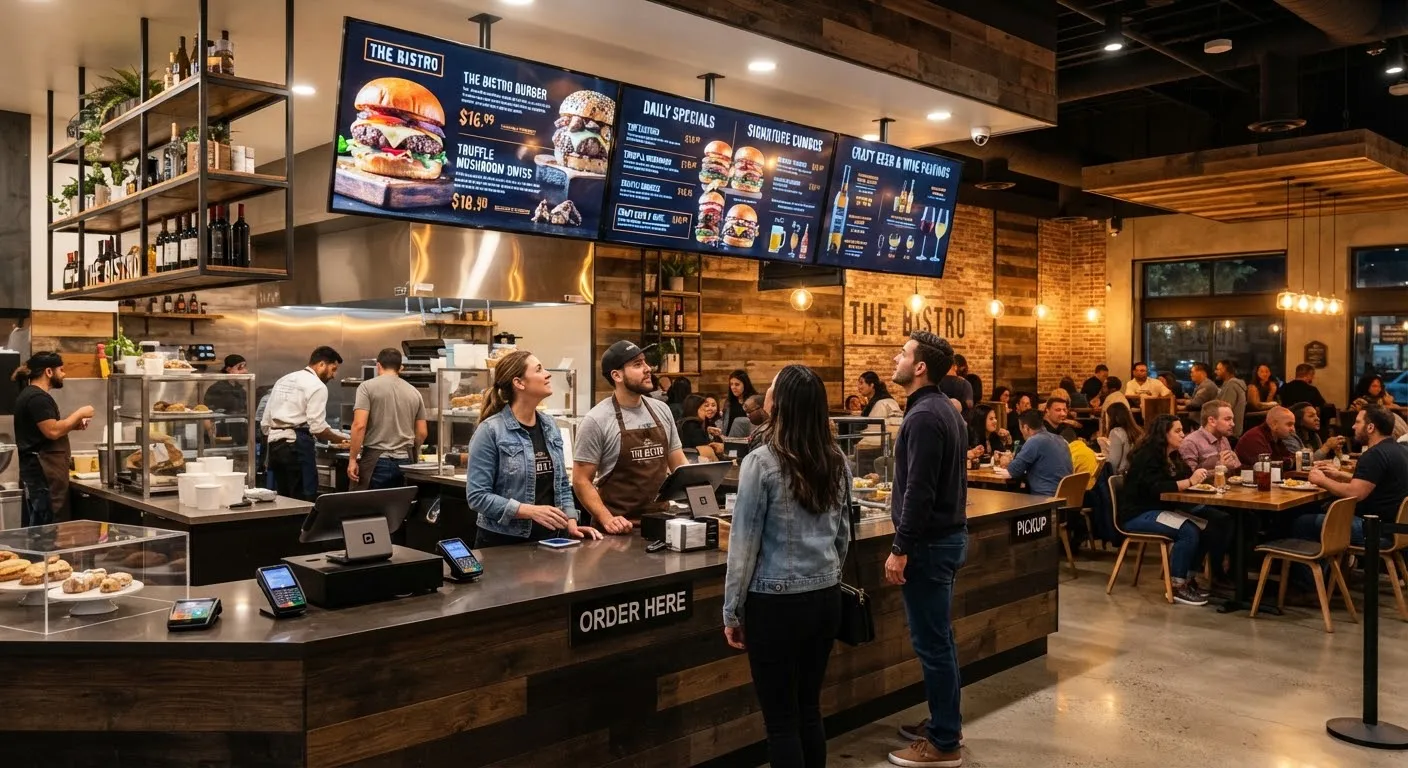
Screens are a natural place to suggest add-ons. A restaurant menu board can pair a main with a side and a drink. A phone shop can show cases and screen protectors next to handsets. A bank branch can mention a related savings product while customers wait.
Keep suggestions relevant and simple: one clear “goes well with” message works better than a list of everything you sell.
4. Show the right message at the right time
Dayparting means scheduling content for different times of day, days of the week or seasons. A café can promote breakfast in the morning, lunch deals at midday and cakes in the afternoon. A retailer can switch to gift ideas in December and garden ranges in spring.
Because content is scheduled in a cloud content management system (CMS), it changes automatically and staff never need to remember to swap posters.
5. Make the most of queues and waiting areas
Customers waiting in a queue or a reception area have time to look around. Use that time to:
- Introduce products and services they may not know you offer.
- Promote loyalty schemes, apps or sign-ups.
- Show offers they can add to their order when they reach the till.
Useful information, such as how a service works or what to have ready, can also make the wait feel shorter and the experience smoother.
6. Keep prices and offers current
Out-of-date prices and expired promotions frustrate customers and cost sales. With digital screens, you update prices and offers once and every screen shows the change, whether you have one shop or many branches. You can schedule promotions to start and end automatically, so nothing stays on screen after it has finished.
7. Keep branches consistent
For businesses with several sites, head office can run national campaigns across every branch at once while still letting each location show local information. Customers see the same offer wherever they shop, and new campaigns go live on the same day everywhere.
Measuring the results
You do not need complicated analytics to see whether your screens are helping. Start simple:
- Before and after. Compare sales of a product in the weeks before and after it is promoted on screen.
- Compare branches. Run a promotion on screens in some locations and not others, then compare results.
- Use offer codes. Show a code or a specific offer only on your screens, and count how many customers use it.
- Ask staff. Your team will quickly notice which products customers ask about.
Then do more of what works. Because content is easy to change, you can test a new message, measure it and adjust within days.
Getting the basics right
- Keep it simple. One message per screen, large text, strong images.
- Refresh regularly. Content that never changes soon becomes invisible.
- Use commercial screens. Displays built for long daily use stay reliable and bright.
- Make updating easy. Choose software your team will actually use.
Getting started
SignageTec supplies commercial screens, window displays, menu boards and touch screens, the cloud software to run them and content design if you would like help creating your promotions. See how businesses in your sector use screens on our industries page, or request a free quote and we will recommend a set-up to help your business sell more.