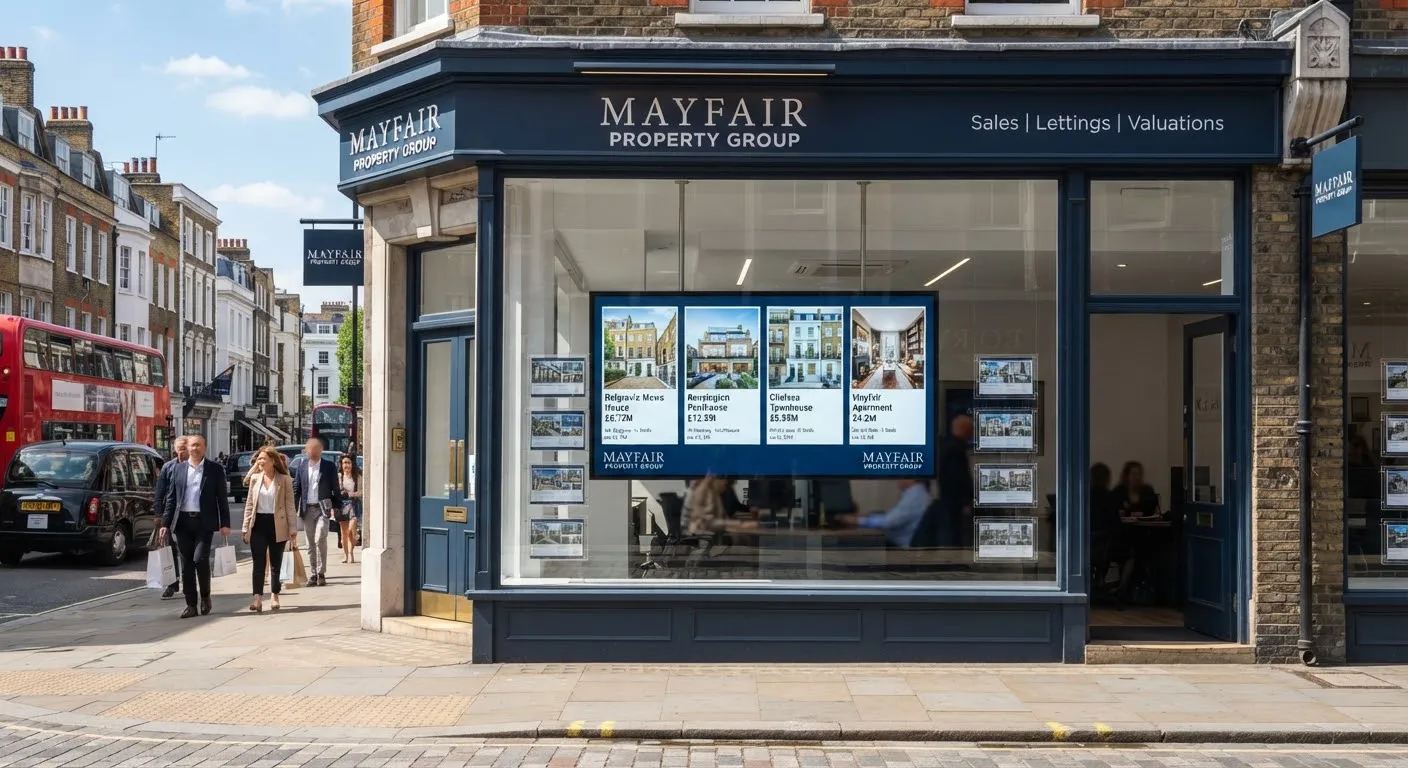
For estate agents, the shop window is still one of the most valuable advertising spaces on the high street. People stop to look at listings on the way to work, at lunch and in the evening. Digital window displays let you show more properties, update them in minutes and keep the window looking fresh. But only if passers-by can actually see them.
Why ordinary screens disappear in a window
A typical indoor display or TV is designed for a room with controlled lighting. Put it behind a shop window on a sunny afternoon and the image can look washed out or almost black. Reflections on the glass make it worse. The screen is working, but nobody outside can read it.
The solution is a high-brightness display designed specifically for windows.
Understanding brightness
Screen brightness is measured in nits (candela per square metre).
- Standard indoor displays are designed for shops, offices and receptions away from direct sunlight.
- High-brightness window displays are many times brighter, so they remain readable when sunlight falls on the window.
How bright you need depends on your window:
- North-facing or shaded windows get little direct sun and may need less brightness.
- South or west-facing windows can get strong direct sunlight for hours and need the brightest panels.
- Deep shopfronts with canopies shade the glass and reduce the brightness needed.
We recommend looking at your window at different times of day before choosing, and we can advise on the right brightness level for your location.
Other features to look for
Automatic brightness
A light sensor adjusts the screen to the conditions, running at full brightness in bright sun and dimming in the evening. This keeps the display comfortable to look at, saves energy and helps the screen last longer.
Heat management
Windows trap heat, especially in summer. Window displays are designed to manage the heat of direct sunlight; ordinary screens are not.
Double-sided screens
Hanging double-sided displays show listings to the street and promotions or valuation messages to customers inside the office.
Scheduling
Displays can switch on before the morning commute and off late in the evening, so your window works when people are walking past without running all night.
Content that works in a window
- Lead with the photo. A large, high-quality image of the property catches the eye from across the street.
- Keep text big and short. Price, area, bedrooms and one standout feature are enough.
- Show plenty of listings. Rotating content lets you show far more properties than a printed window card system.
- Update automatically. Many systems can pull listings from your property software or website feed, so sold and let properties disappear without anyone editing the screen.
- Add a call to action. “Book a free valuation” or a phone number turns a passer-by into an enquiry.
Installation tips
- Hang or stand the screen close to the glass. This reduces reflections and makes the screen easier to read from the pavement.
- Choose portrait or landscape to suit your listings. Portrait screens suit single properties with a large photo; landscape screens can show several listings side by side.
- Hide the cables. Ceiling-hung systems with neat cable runs keep the window looking professional.
- Check access for cleaning. Leave enough space to clean both the window and the screen.
- Think about power. Plan sockets and timers when your shopfront is refitted, rather than running extension leads later.
Managing several branches
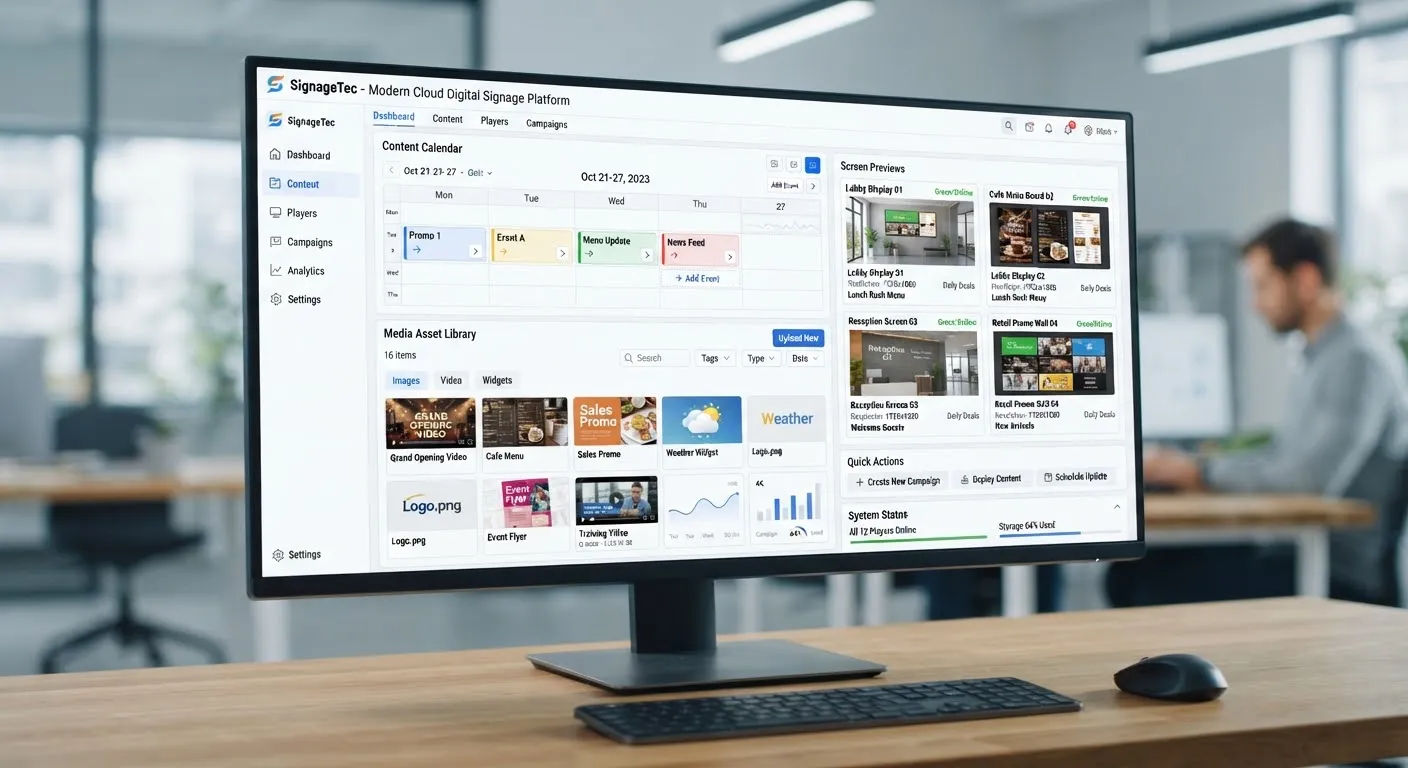
With a cloud CMS, head office can manage every branch window from one place, keeping branding consistent while each branch shows its own listings. Screens can be monitored remotely so you know they are on and working.
Getting started
SignageTec supplies high-brightness window displays, hanging double-sided screens and the software to run them. Learn more about our work with property businesses, or request a free quote for your branch.