A freestanding digital poster is one of the easiest ways to start with digital signage. There is no wall mounting and no major installation: you place it where you want it, plug it in (or charge it) and start showing content. Digital A-boards bring the same idea to the classic pavement sign. This guide explains the options and how to get the best from them.
What is a digital poster?
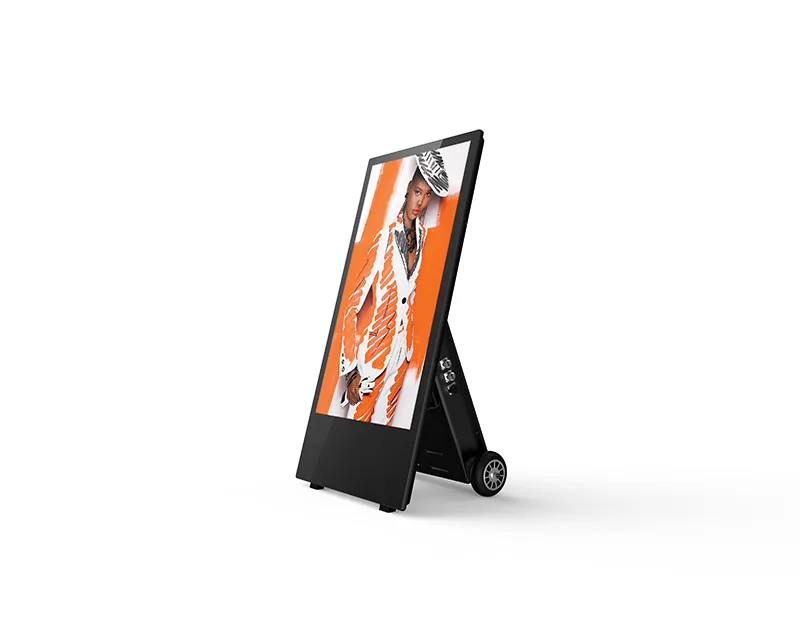
A digital poster is a slim, portrait screen built into a freestanding stand. It usually has a built-in media player, so you only need power and an internet connection to manage content remotely. Some can also play content from a USB stick.
Common uses include:
- Welcoming customers at the entrance.
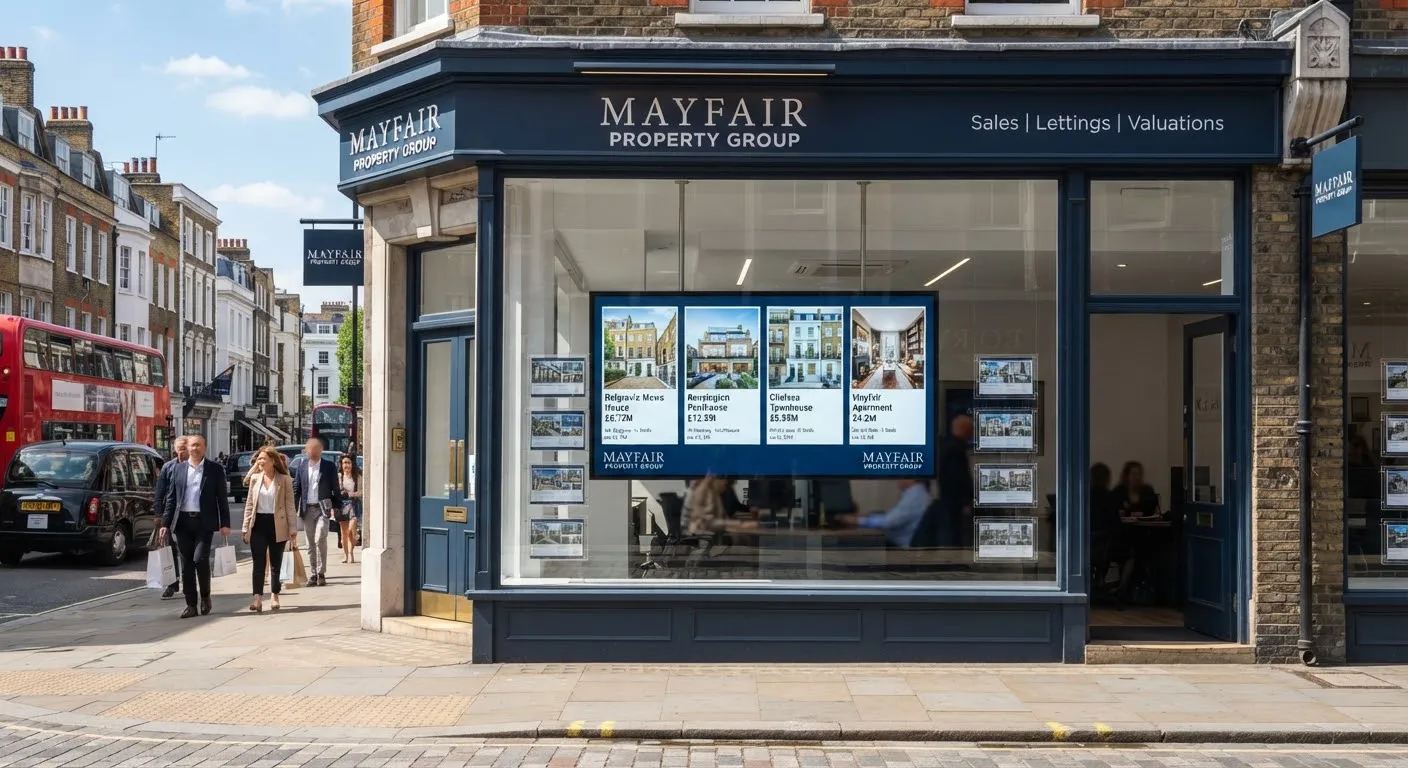
- Promoting offers in shop windows.
- Highlighting new products on the shop floor.
- Showing menus or price lists in cafés and salons.
- Sharing event information in receptions, hotels and venues.
What is a digital A-board?
A digital A-board replaces the traditional chalkboard or poster sign on the pavement with a screen. Designed for outdoor use, they have brighter, weatherproof screens and sturdy frames. Many are battery powered, so they can be wheeled out in the morning and brought in at night without trailing cables across the pavement.
Choosing the right model
Indoor or outdoor?
Indoor posters are not designed for rain or direct sunlight. If the screen will stand outside, choose an outdoor A-board with suitable brightness and weatherproofing. Read our outdoor digital signage guide for more.
Brightness
For shop windows facing daylight, a high-brightness model keeps your message readable. Indoors, standard brightness is usually enough.
Size
Larger posters stand out from a distance; smaller ones suit counters and tighter spaces. Think about where customers will be when they see the screen.
Power
Mains-powered models suit permanent positions. Battery models give flexibility but need charging, so check how long they run between charges and plan a charging routine.
Software
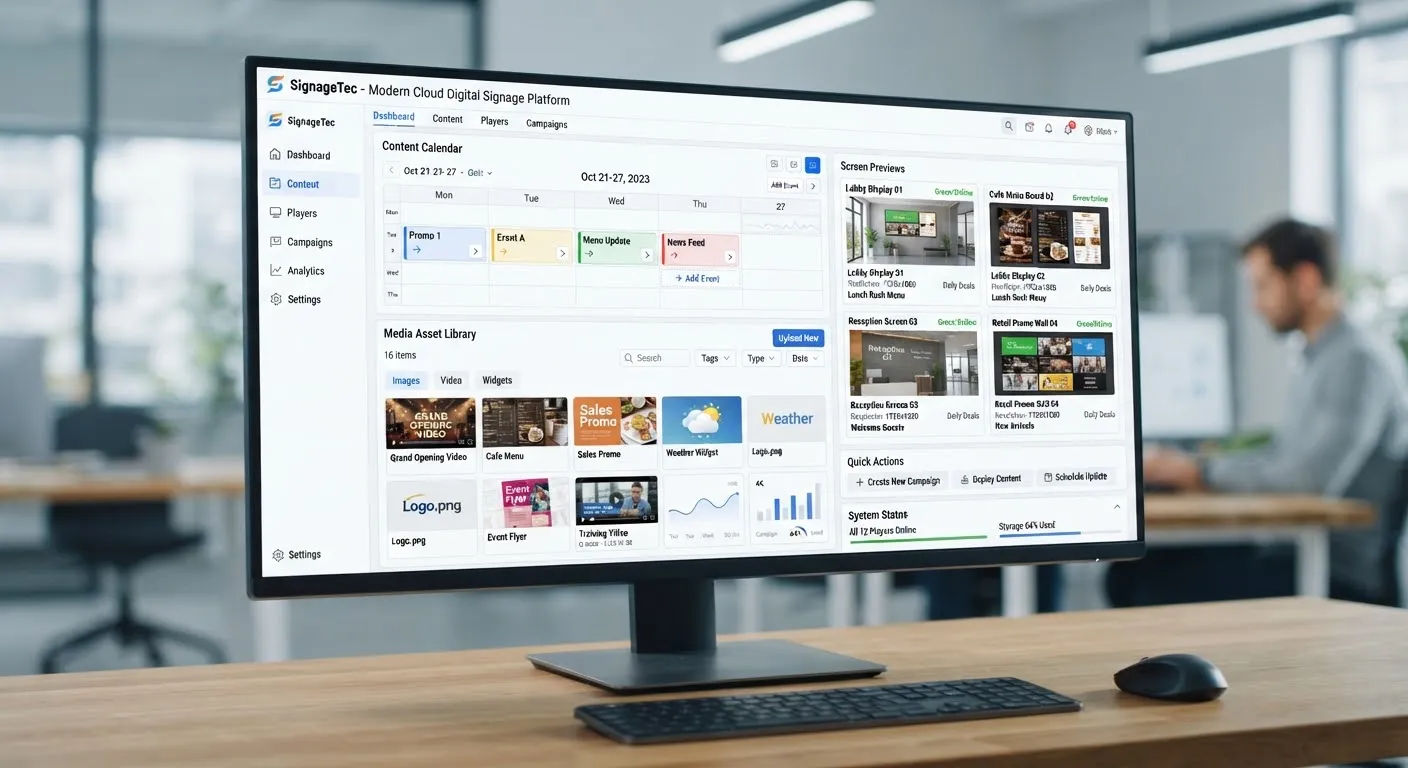
Check that you can manage content remotely and schedule it. Updating a single screen with a USB stick is fine, but managing several screens is far easier with cloud software.
Placement tips
- At the threshold. A screen just inside or outside the door catches people deciding whether to come in.
- In the window. Face it outwards and make sure it is close to the glass.
- At the point of decision. Next to the products you are promoting.
- Not in the way. Keep walkways, fire exits and pavements clear. Councils may have rules about pavement signs, so check before placing an A-board outside.
- Secure it. Use locking castors or a secure base in busy areas.
Content that works
- One message per slide. A headline, an image and a short call to action.
- Big, readable text. Customers often glance from several metres away.
- Change through the day. Breakfast in the morning, lunch deals at midday, evening offers later.
- Use portrait-designed content. Landscape images squeezed into a portrait screen look poor.
- Keep it fresh. Rotate offers weekly so regulars keep noticing.
For more ideas, see our guide to designing content that gets noticed.
Looking after your screens
Clean screens regularly with a soft cloth and a screen-safe cleaner, check cables and plugs for damage, and bring outdoor A-boards inside overnight and in severe weather. A short daily check by staff catches problems early.
Getting started
SignageTec supplies indoor digital posters and digital A-boards, including battery-powered outdoor models. See how retailers and hospitality businesses use them on our industries page, or request a free quote.