The best screen in the world is wasted if nobody notices what it shows. Digital signage content is not like a web page or a printed brochure: people see it from a distance, often while walking, for a few seconds at a time. These practical tips will help you design content that gets noticed and understood.
1. Design for a glance
Assume people will look at your screen for only a few seconds. In that time they should understand one thing. Ask yourself: what is the single message on this slide?
A good formula is:
- A headline of a few words.
- A strong image that supports it.
- A call to action, such as “Ask in store”, “Scan to book” or a price.
2. Make text big enough
Text that looks fine on your computer may be unreadable on a screen across the room. As a starting point:
- Keep headlines large and short.
- Limit body text to a line or two.
- Avoid small print on screen; put terms on a printed notice or website if needed.
Test your designs on the actual screen, from where customers will stand.
3. Use strong contrast
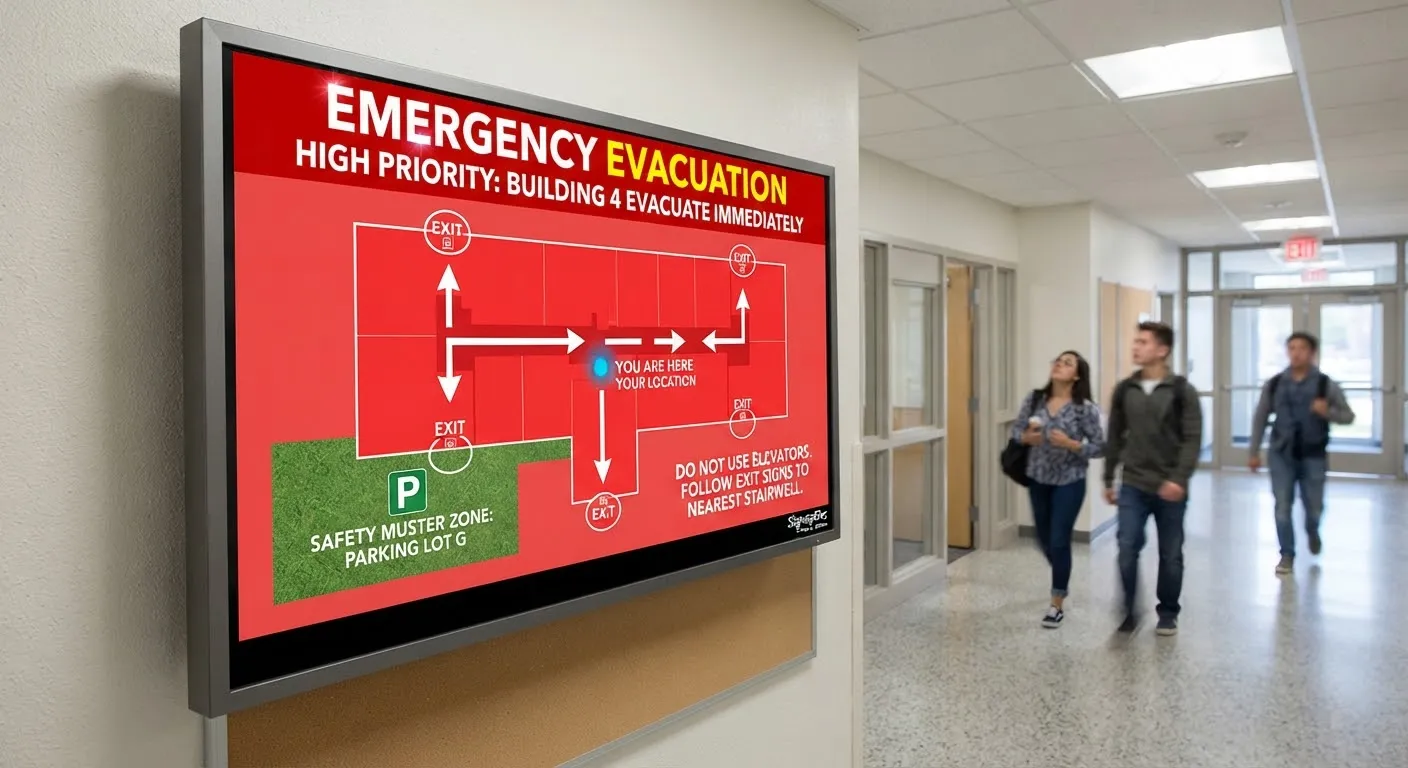
Dark text on a light background, or light text on a dark background, is easiest to read. Avoid placing text over busy photos unless you add a solid or semi-transparent panel behind it. Good contrast also helps people with visual impairments. See digital signage and accessibility.
4. Choose readable fonts
Clean, sans-serif fonts work best on screens. Use your brand fonts where possible, but avoid thin, decorative or script fonts for important information. Two fonts per design is plenty.
5. Keep layouts simple
- Leave space around text and images.
- Put the most important element where the eye lands first, usually the top or centre.
- Use the same layout structure across slides so viewers know where to look.
6. Use motion carefully
Movement attracts attention, which is a major advantage of digital screens. But:
- One moving element per slide is enough.
- Slow, smooth transitions are easier to watch than fast cuts.
- Avoid rapid flashing, which can be uncomfortable and, for some people, harmful.
- Short video loops work well; long videos with important information at the end do not.
7. Get the timing right
How long each slide stays on screen depends on where people are:
- Windows and walkways: shorter slides, because people are moving.
- Queues and waiting areas: longer slides, and more variety, because people stay longer.
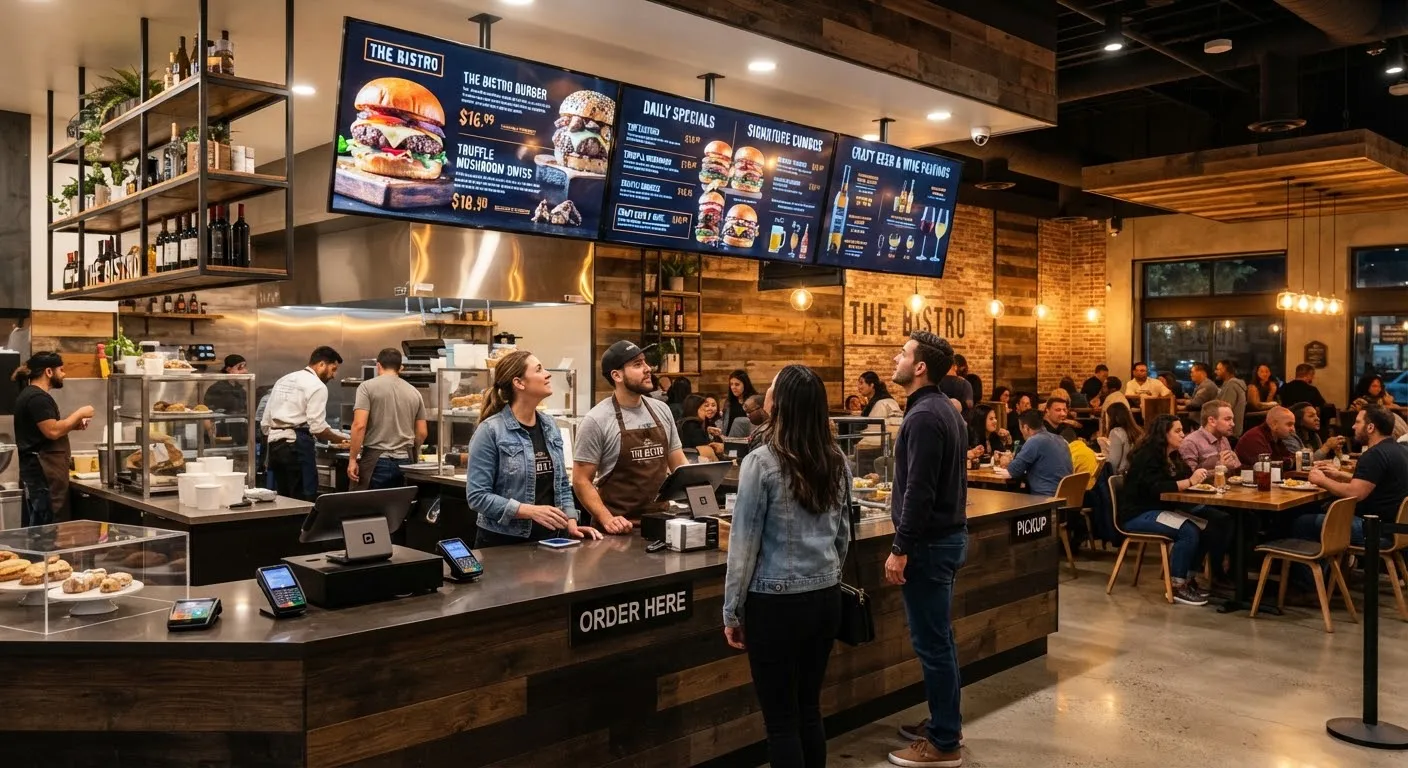
- Menu boards: static or slow-changing, because customers need time to choose.
8. Design for the right orientation
Portrait and landscape screens need different designs. Do not stretch or squash content to fit. Create versions for each orientation you use.
9. Use high-quality images
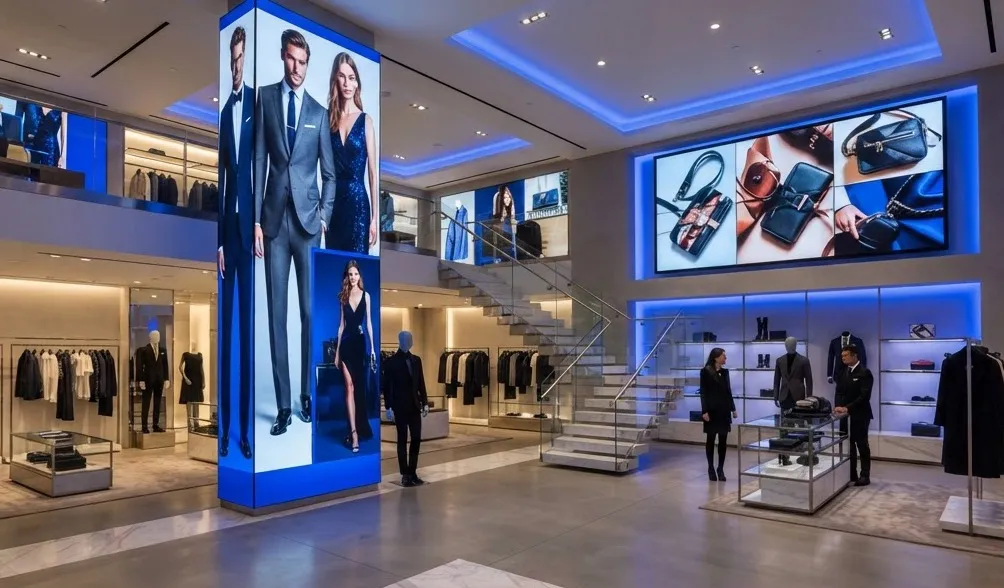
Blurry or pixelated images look unprofessional on large screens. Use images at least as large as the screen’s resolution. Your own photography of products, staff and premises is usually more convincing than stock images.
10. Include a call to action
Tell people what to do next: “Ask us about…”, “Available today”, “Scan to book”, “Order at the counter”. QR codes work well on screens people stand near, but not on fast-moving window content viewed from a distance.
11. Stay on brand
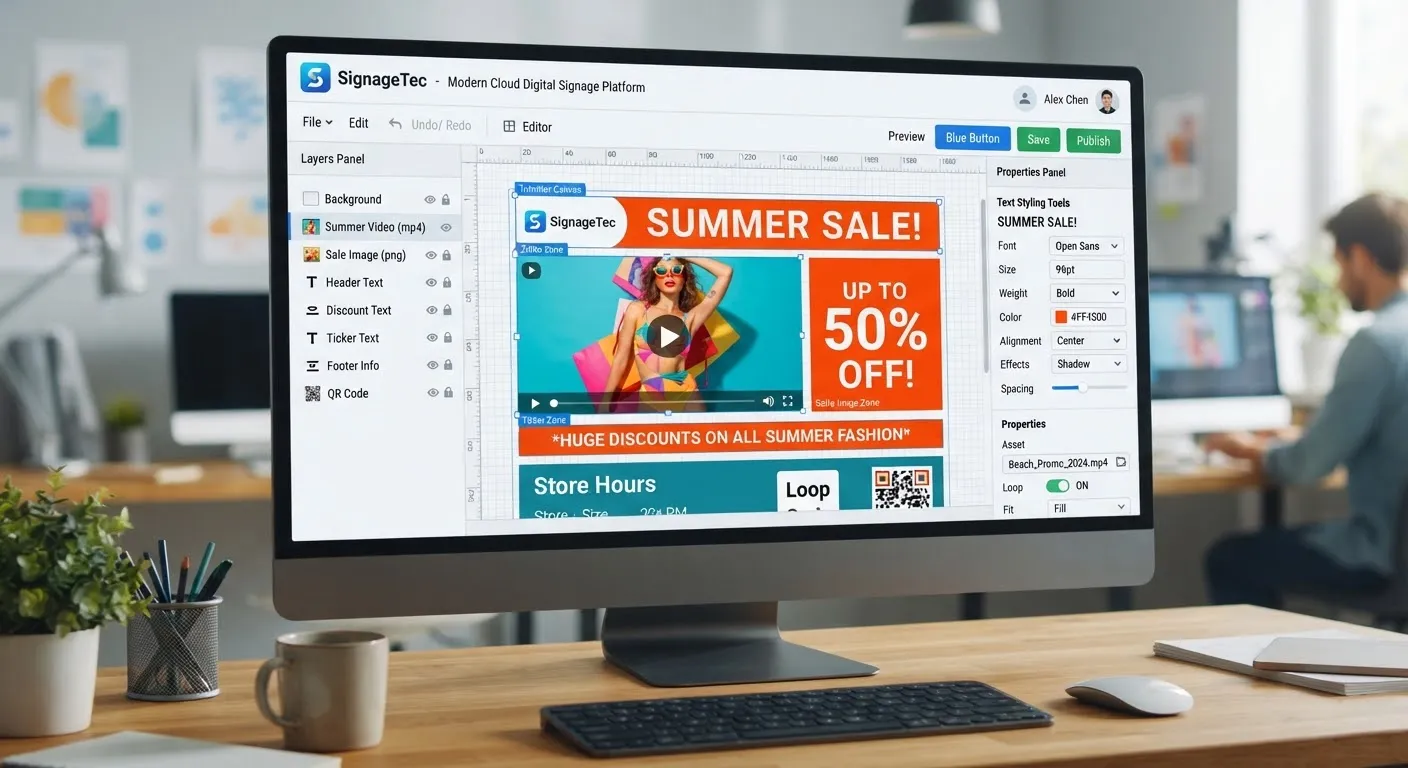
Use your colours, logo and tone of voice consistently. Creating templates in your signage software means anyone on your team can update text and images while the design stays consistent.
12. Refresh regularly
Content that never changes becomes invisible. Plan a content calendar, retire old messages and rotate new ones in. See our seasonal campaign ideas for inspiration.
A quick checklist before publishing
- Can I understand the main message in three seconds?
- Can I read it from where customers stand?
- Is the contrast strong enough?
- Is it the right orientation and resolution?
- Is there a clear next step?
- Are prices, dates and details correct?
Getting started
SignageTec provides cloud software with easy-to-use templates and can design custom templates and campaigns for your brand. See examples on our industries page, or contact us about content design.