The retail calendar is full of moments when customers are ready to buy: Christmas, Black Friday, the January sales, summer holidays and more. Digital signage lets you change your windows and in-store messaging for each one without printing and fitting new posters. Here are campaign ideas for the year, plus tips to make them work.
Plan ahead
The biggest advantage of digital signage is that you can prepare content in advance and schedule it to go live at exactly the right moment, across every store. Build a simple calendar of key dates, create content a few weeks before each one and let the software do the rest. See how to schedule content across locations.
January: sales and new year
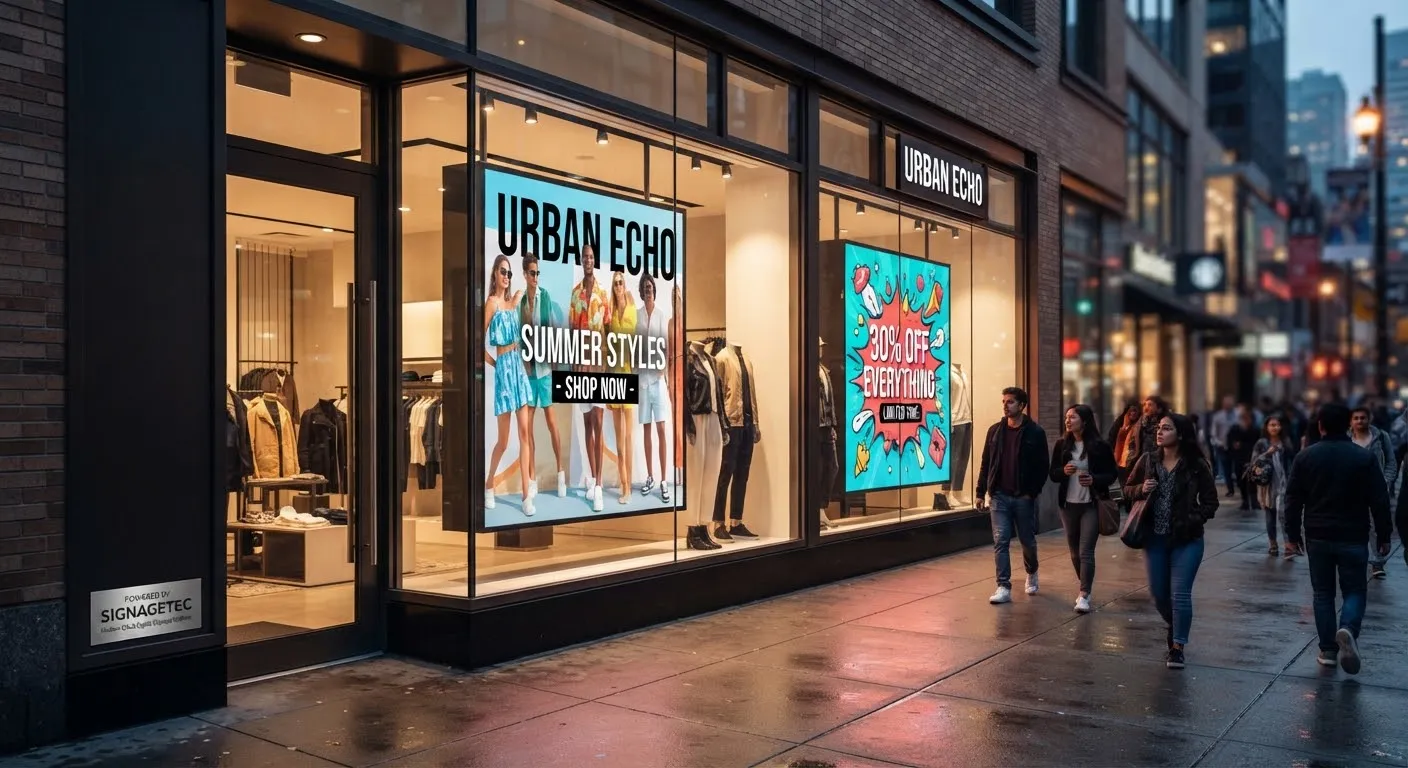
- Bold “Sale” messaging in windows, with discounts updated as the sale progresses.
- New year, new you: fitness, organisation, health and self-improvement products.
- Clearance and “last chance” messages as the sale ends.
February: Valentine’s Day
- Gift ideas for different budgets.
- Countdown to the day to create urgency.
- Last-minute gift messaging in the final days.
March and April: Mother’s Day and Easter
- Mother’s Day gift guides, timed for the UK date.
- Easter treats, family days out and spring ranges.
- School holiday opening hours.
May to August: summer
- Summer collections, holiday essentials and garden ranges.
- Weather-led content: sun cream and drinks on hot days, umbrellas when it rains.
- Sport and major events, using themes rather than official branding you are not licensed to use.
- Mid-season and end-of-summer sales.
August and September: back to school
- Uniform, shoes, stationery and technology.
- Checklists by age group.
- University essentials for students leaving home.
October: Halloween
- Costumes, decorations and treats.
- Spooky window themes to stand out on the high street.
November: Black Friday and Cyber Monday
- Countdown content in the build-up.
- Doorbuster offers changing hour by hour.
- Click-and-collect and in-store-only deals to bring online shoppers in.
December: Christmas
- Gift guides by recipient and budget.
- Festive window themes that change through the month.
- Last order dates for delivery and extended opening hours.
- Gift cards for last-minute shoppers.
- Boxing Day sale teasers.
Tips for seasonal campaigns
Keep it brand-led
Seasonal themes should still look like your brand. Create a set of seasonal templates you can reuse each year with updated products.
Refresh windows more often
During peak seasons, people pass your store repeatedly. Rotating several messages, and changing them weekly, keeps the window interesting.
Combine with practical information
Opening hours, delivery dates, returns policies and gift wrapping services are exactly what customers need in busy seasons.
Localise
Stores in different locations may need different offers, stock or opening hours. Cloud software lets head office set the campaign while each store adds local details.
Measure results
Compare sales of featured products before and during each campaign, and learn for next year. Our guide to how digital signage increases sales explains simple ways to measure.
Design reminders
- One message per slide, with large text and strong images.
- Portrait content for portrait screens.
- Avoid copying other brands’ imagery or using event logos without permission.
See designing content that gets noticed for more.
Prepare your stores
Brief store teams before each campaign so they know what customers will see on screen and can answer questions.
Getting started
SignageTec supplies window displays, digital posters, video walls and cloud software for retailers, and can design seasonal templates for your brand. See our work in retail, or talk to us about your next campaign.