Hotels and leisure venues are all about the guest experience. From the moment someone walks through the door, they want to know where to go, what is on and what is available. Digital signage helps answer those questions, promotes your facilities and gives your venue a modern feel.
Uses in hotels
Welcome screens
A screen in the lobby can greet guests, share check-in and check-out times, Wi-Fi details and local information. For groups and events, personalised welcome messages make arrivals feel special.
Promoting facilities
Many guests do not know everything a hotel offers. Screens can highlight:
- Restaurant and bar menus, with times and offers.
- Spa and wellness treatments.
- Gym and pool opening hours.
- Room upgrades, late check-out or packages.
- Afternoon tea, Sunday lunch or seasonal events.
Conferences and events
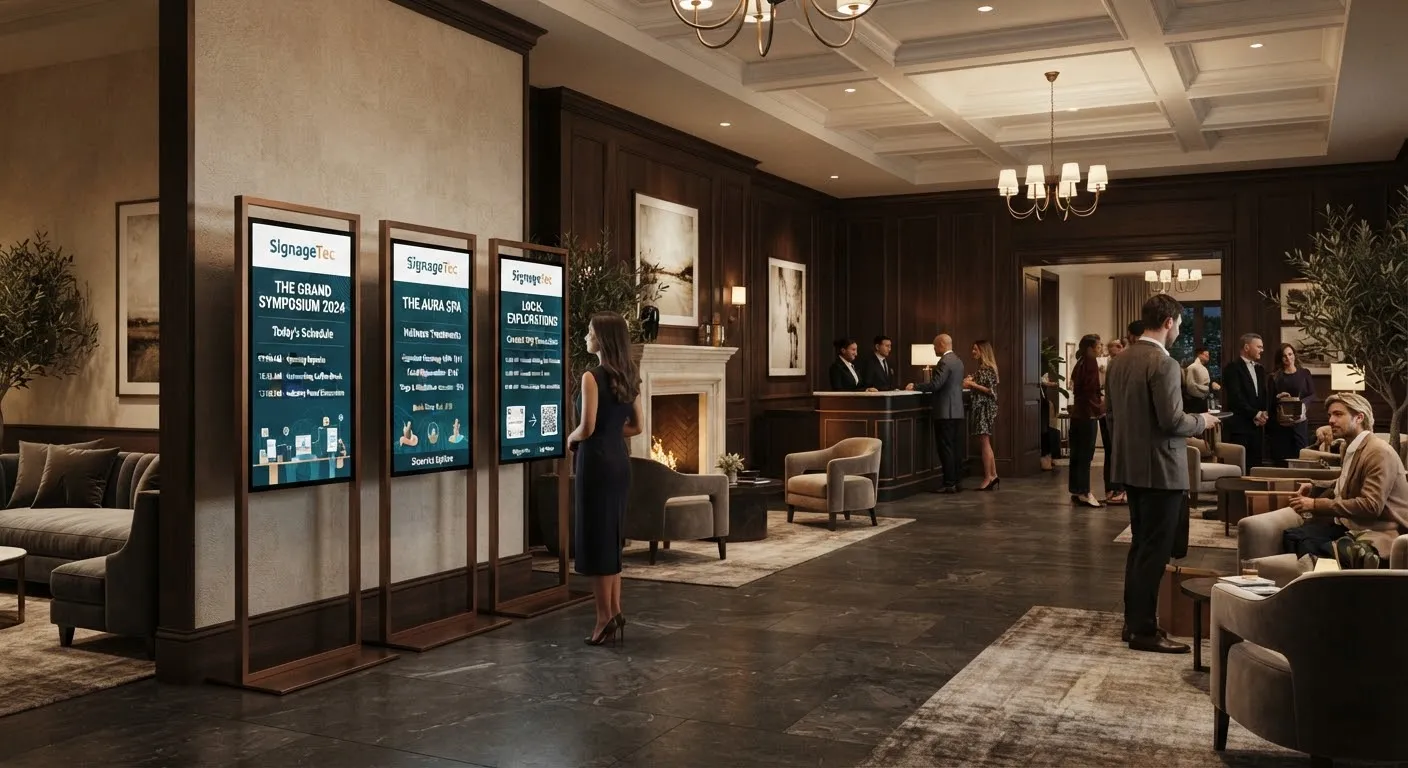
Meeting and event spaces benefit from screens outside each room showing the event name and schedule, along with a directory in the lobby. Content can change for each booking without printing new signs.
Wayfinding
Directions to meeting rooms, restaurants, the spa and parking help guests find their way. See our guide to digital wayfinding.
Local area guides
Recommendations for attractions, transport and the weather forecast are genuinely useful, especially for tourists and business travellers.
Uses in gyms and leisure centres
- Class timetables and studio changes, updated instantly.
- Membership offers and personal training promotions.
- Workout instructions near equipment, with short videos.
- Facility updates, such as pool closures or maintenance.
- Café and shop promotions.
- Community notices and member achievements.
Uses in venues and attractions
Theatres, cinemas, stadiums, museums and attractions use screens for show times, queue information, upcoming events, food and drink menus, safety messages and sponsor content.
Choosing the right screens
- Totems and digital posters for lobbies and entrances. See digital posters and A-boards.
- Wall-mounted displays outside meeting rooms and in corridors.
- Menu boards in restaurants and cafés.
- Video walls for a dramatic lobby feature. See video walls explained.
- Touch screens for directories and self-service information.
Design tips for hospitality
- Match the venue’s style. A luxury hotel and a family leisure centre need different looks.
- Use beautiful imagery. Show your food, rooms and facilities at their best.
- Keep it calm. Slower transitions suit lobbies and lounges.
- Schedule by time of day. Breakfast in the morning, dinner and bar offers in the evening. See scheduling content across locations.
- Consider sound carefully. Most lobby screens should work without audio.
Managing several venues
Hotel groups and leisure operators can manage every site from one cloud system, with brand campaigns from head office and local content from each venue.
Practical set-up tips
- Start with the lobby. It is where every guest passes and where questions are most common.
- Ask your front-desk team which questions they answer most often, and put those answers on screen.
- Plan who updates content. Events teams, restaurant managers and marketing may each want control of different screens, so set up user permissions accordingly.
- Keep event screens accurate. Link them to your booking system where possible, or make updating them part of every event checklist.
- Turn screens off when areas are closed to save energy and keep public spaces calm at night.
Measuring the impact
Track bookings for promoted treatments, restaurant covers during promoted offers and the number of guest questions at reception. Simple before-and-after comparisons show which content earns its place on screen.
Getting started
SignageTec supplies displays, totems, menu boards and cloud software for hotels, leisure centres and venues. Learn more about our work in hospitality, or contact us for advice on your venue.