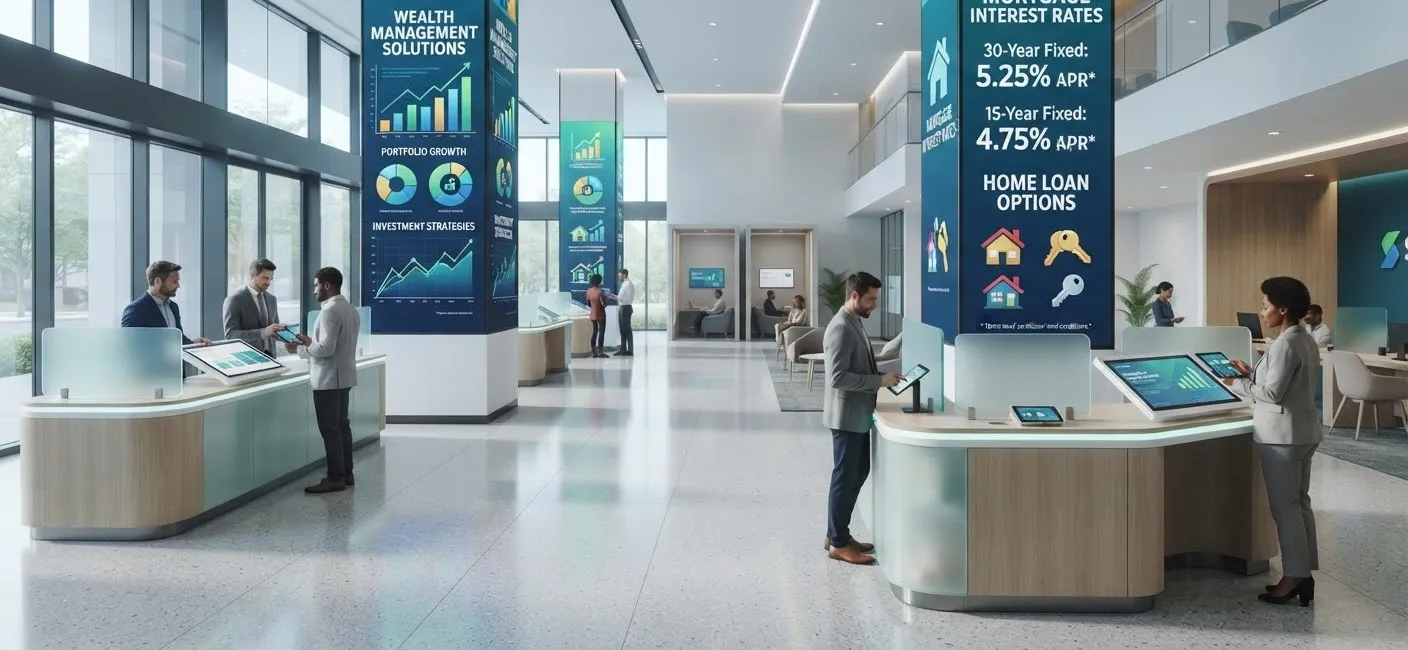
Bank and building society branches have changed. Fewer customers visit for routine transactions, and those who do often come for advice, appointments or help with something more complex. Digital signage helps branches make the most of each visit, keep information accurate and present a modern, welcoming space.
How banks use digital signage
Rates and product information
Savings rates, mortgage rates and product features change regularly. Displaying them on screens updated from head office means every branch shows the same, current information, without staff replacing printed posters.
Window displays
The branch window is valuable space on the high street. Bright window displays can promote products, explain services and share community news to passers-by, even when the branch is closed.
Queue and appointment information
Screens can explain how to join a queue, how long waits are likely to be and which services are available without waiting, such as self-service machines or the mobile app.
Helping customers go digital
Many branches help customers use online and mobile banking. Short screen tutorials, and touch screens customers can try, make this easier.
Fraud and scam awareness
Screens are a useful way to remind customers about common scams and how to protect themselves, with messages updated as new scams emerge.
Community and local content
Local events, charity partnerships and branch news help a branch feel part of its community.
Staff communication
Screens in staff areas can share updates, training reminders and recognition.
Compliance matters
Financial promotions must be clear, fair and not misleading, and the rules that apply depend on the product. Digital signage can make compliance easier, because:
- Content can be created and approved centrally before it goes live.
- Approval workflows can stop unapproved content being published.
- Promotions can be scheduled to end automatically when an offer closes.
- You have a record of what was shown, where and when.
Always involve your compliance team in planning screen content, and make sure on-screen rates and terms match what customers are offered.
Design tips for branches
- Keep rates readable. Large figures, clear labels and any key conditions visible.
- Do not overload screens. One product or message per slide.
- Consider accessibility. Strong contrast and readable text for all customers. See digital signage and accessibility.
- Match your brand. Consistent templates make every branch feel the same.
- Respect privacy. Never show anything that identifies an individual customer.
Self-service and touch screens
Touch screen kiosks can let customers browse products, book appointments or give feedback. Our guide to customer feedback kiosks explains how to set one up.
Rolling out across a branch network
With cloud software, head office can manage national campaigns while branches add local notices within approved templates. Screens can be grouped by region, branch type or location in the branch, and monitored centrally. See our rollout checklist for planning tips.
Currency and rate boards
For bureaux de change and branches offering travel money, see our guide to automating currency exchange rate displays.
After-hours windows
Branch windows are seen by passers-by long after closing time. Schedule window content to keep promoting products and digital services in the evening, then switch screens off overnight to save energy where appropriate. Remember to show opening hours clearly so customers know when they can visit.
The window is also a good place to explain where customers can get help when the branch is closed, such as the mobile app, telephone banking or the nearest branch with longer opening hours.
Getting started
SignageTec supplies window displays, wall screens, digital posters, touch screens and the cloud software to manage them across branches. Learn more about our work with financial services, or talk to us about your branches.