A video wall is one of the most eye-catching ways to use digital signage. Several screens are joined together to act as one large display, showing a single image across the whole wall or different content in different areas. This guide explains how video walls work, where they make sense and what to think about before you invest.
What is a video wall?
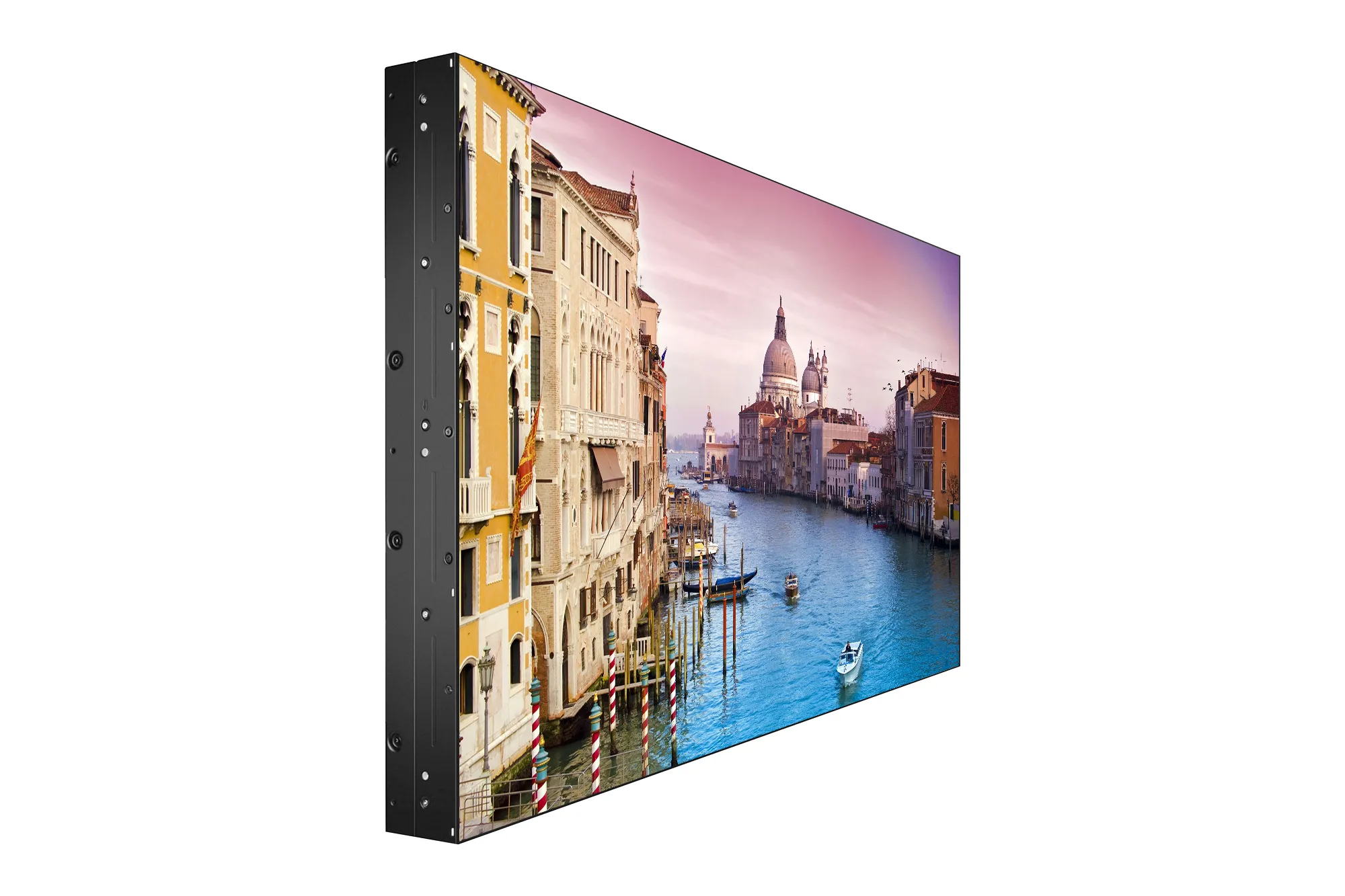
A video wall is a group of displays mounted together in a grid, for example two screens by two or three by three, controlled so they work as one. Content can:
- Stretch across the whole wall as one large picture.
- Be split into zones showing different content.
- Use creative layouts where images move from screen to screen.
LCD or LED video walls?
LCD video walls
These use commercial LCD panels designed for video walls, with very thin bezels so the lines between screens are minimal. They are a popular choice for indoor walls viewed from close up, such as receptions, showrooms and control rooms.
LED video walls
Direct-view LED walls are built from modules that join with no visible lines at all. They suit very large walls, unusual shapes and very bright environments. Read more in LED vs LCD screens for business.
Where video walls are worth it
Video walls are a significant investment, so they work best where impact matters:
- Flagship stores and showrooms, to launch products and create a memorable brand experience.
- Receptions and lobbies, to welcome visitors and show what your business does.
- Shopping centres and venues, for large-scale advertising and events.
- University atriums and campuses, for news, events and timetables.
- Control rooms and operations centres, to display dashboards and monitoring screens.
- Events and exhibitions, as a backdrop or focal point.
For a single menu or notice, a standard display is usually the better choice.
Planning a video wall
Size and layout
Measure the wall and decide on the grid. Consider where people will stand and how far away they will be. Bigger is not always better if viewers are close.
Mounting
Video walls need specialist brackets that allow each screen to be aligned precisely and accessed for servicing. Check the wall can take the weight.
Control and playback
You will need a player or controller capable of driving the whole wall. Your signage software must support video wall layouts. See media players explained.
Power, heat and ventilation
Several screens running together produce heat. Plan ventilation, power supply and safe cable routing.
Content
A video wall has an unusual shape, so standard landscape content may not fit well. Plan content at the full resolution of the wall and think about where the bezels fall, so text and faces are not split across lines.
Maintenance
Ask how faults are handled, how individual screens are replaced and whether spare panels or modules are available so colours stay matched.
Making the most of your video wall
- Use bold, simple visuals. Large images and short messages work better than detailed text.
- Use motion thoughtfully. Slow movement across the wall is striking; constant fast animation is tiring.
- Mix brand and practical content. Combine eye-catching visuals with useful information such as events or directions.
- Refresh regularly. A feature wall that never changes soon becomes background.
Ask for a demonstration
Seeing a video wall in person helps you judge size, brightness and bezel visibility before you commit.
Getting started
SignageTec supplies and installs video walls and commercial displays, and can help design content for your wall’s exact size. See examples on our industries page, or talk to us about your space.