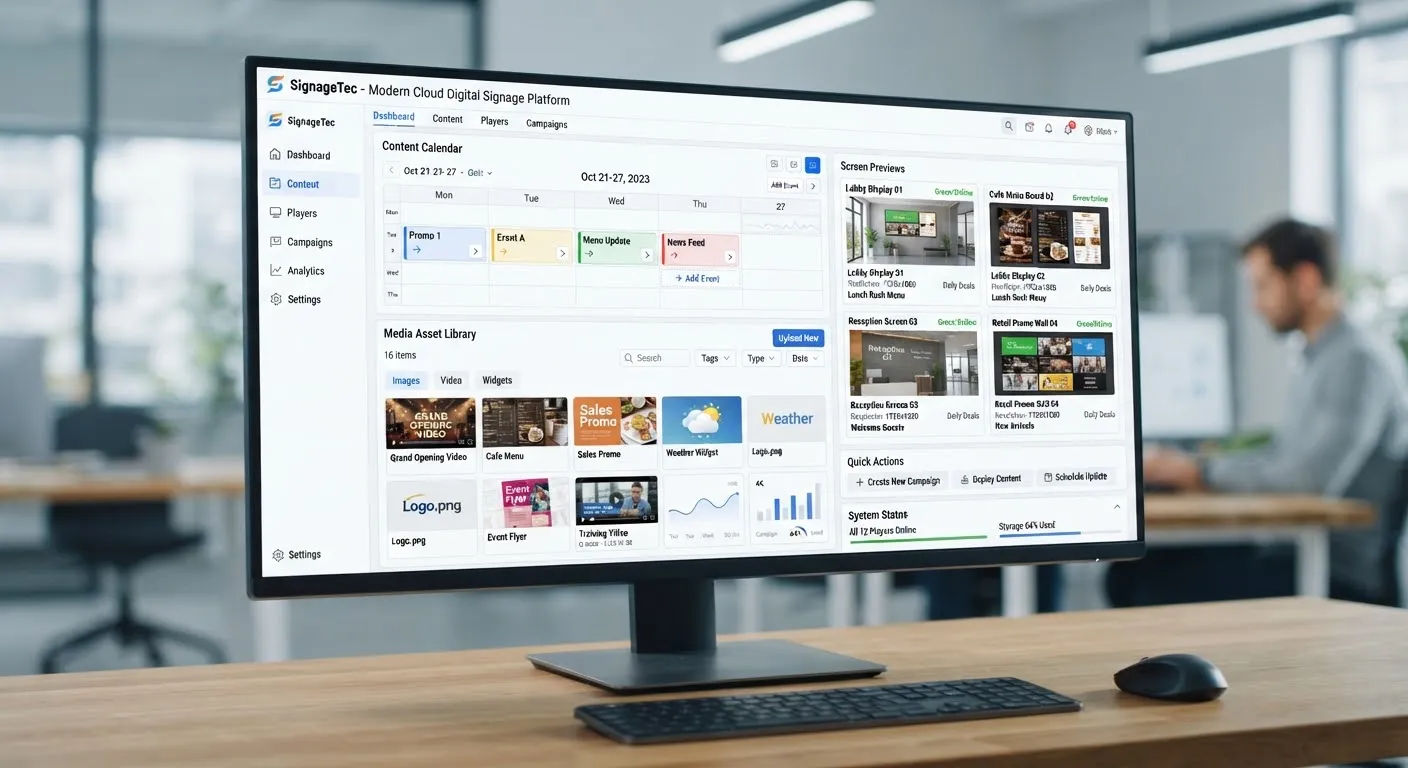
Every digital sign needs something to play the content. That job belongs to the media player, a small computer that downloads content from your signage software, stores it and plays it on the screen according to your schedule. This guide explains the types of player and how to choose.
What does a media player do?
A media player:
- Connects to the internet and to your digital signage software.
- Downloads content, playlists and schedules.
- Stores content locally so it can keep playing if the connection drops.
- Plays images, videos, web content and live data on the screen.
- Reports back so you can see that the screen is working.
- Can often turn the screen on and off and be restarted remotely.
Built-in players (SoC)
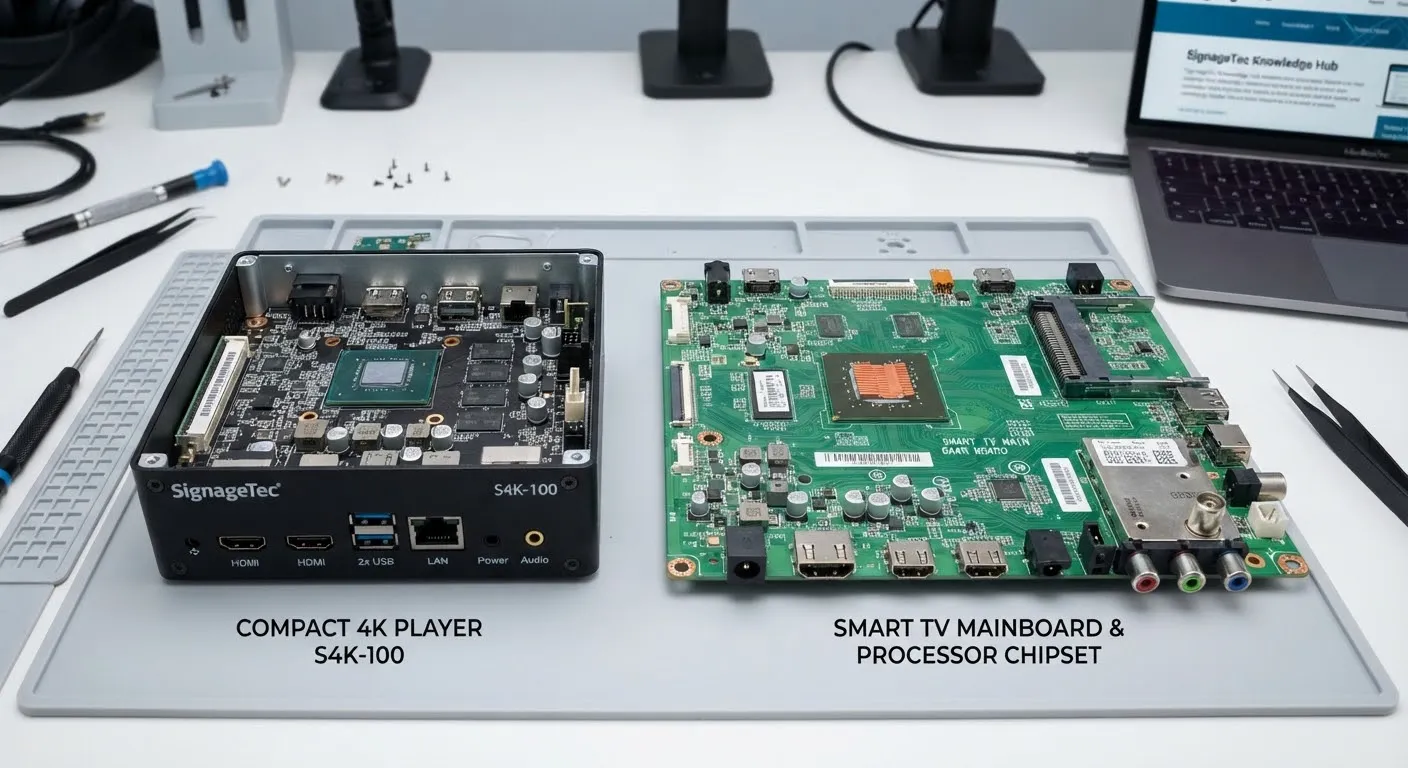
Many commercial displays include a system-on-chip (SoC), which means the player is built into the screen. You install the signage app on the display itself, and there is no separate box.
Advantages
- Fewer devices and cables, so installations are neater.
- Fewer things to fail or be unplugged.
- Simple to manage when you have many similar screens.
Things to consider
- Processing power is fixed, so very demanding content may not run smoothly.
- If you change software provider, check that the new software supports your displays.
External media players
An external player is a separate small device connected to the screen, usually by HDMI. There are several kinds:
- Android-based players, which are widely used and cost-effective for most signage.
- Windows-based players, useful when you need to run specific software or more complex interactive content.
- Linux-based or dedicated signage players, designed specifically for signage.
- Players built on small single-board computers, sometimes used for simple or custom projects.
Advantages
- More power for high-resolution video, multiple zones or interactive content.
- Can be upgraded or replaced without changing the screen.
- Works with screens that do not have a suitable built-in player.
Things to consider
- An extra device to mount, power and secure.
- Make sure it is designed to run continuously, not a consumer streaming stick.
How to choose
What content will you show?
Simple images, menus and short videos run happily on most built-in players. 4K video, video walls, several zones with live data or interactive touch content may need a more powerful player.
How many screens?
For large numbers of identical screens, built-in players can make management easier. For a few feature screens, a powerful external player may be worth it.
Software compatibility
Your signage software must support your player. Check this before buying hardware.
Reliability features
Look for automatic recovery after power cuts, remote restart, local storage for offline playback and the ability to run all day.
Security
Players connect to your network, so consider how they are secured, updated and managed. Your IT team may want to place them on a separate network.
Where should the player go?
External players are usually mounted behind the screen or in the bracket, out of sight and out of reach. Make sure there is airflow, a power socket and a network connection, and label each player so it can be identified later.
Consumer devices: a word of caution
Consumer streaming sticks and home media boxes are tempting because they are cheap, but they are not designed for all-day commercial use, may not support signage software and can install updates at awkward times. A purpose-built player is usually more reliable.
Getting started
SignageTec supplies media players and commercial displays and can recommend the right combination for your content. Read our guide to cloud digital signage software, or contact us for advice.