When people talk about digital signage screens, they usually mean one of two technologies: LCD or direct-view LED. Both are widely used in business, but they suit different jobs. This guide explains the differences in plain terms so you can choose the right option for each space.
How LCD displays work
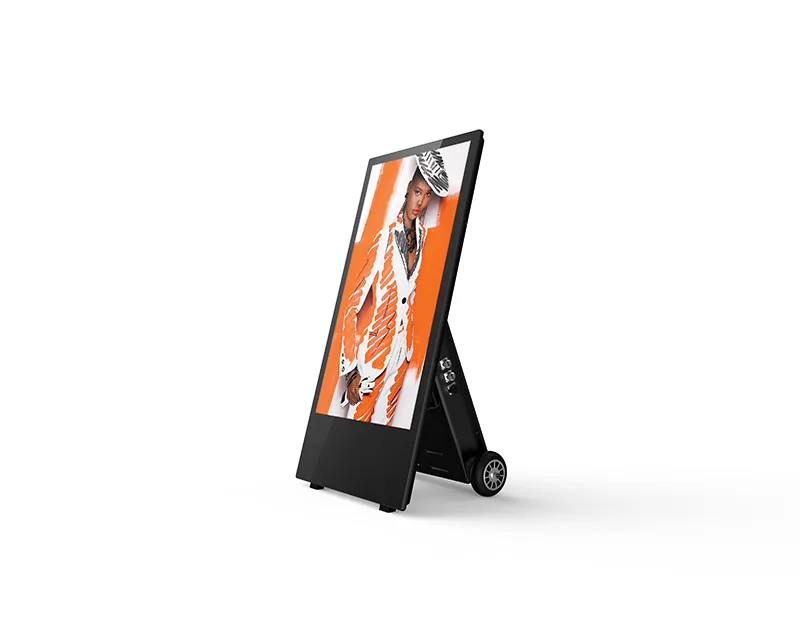
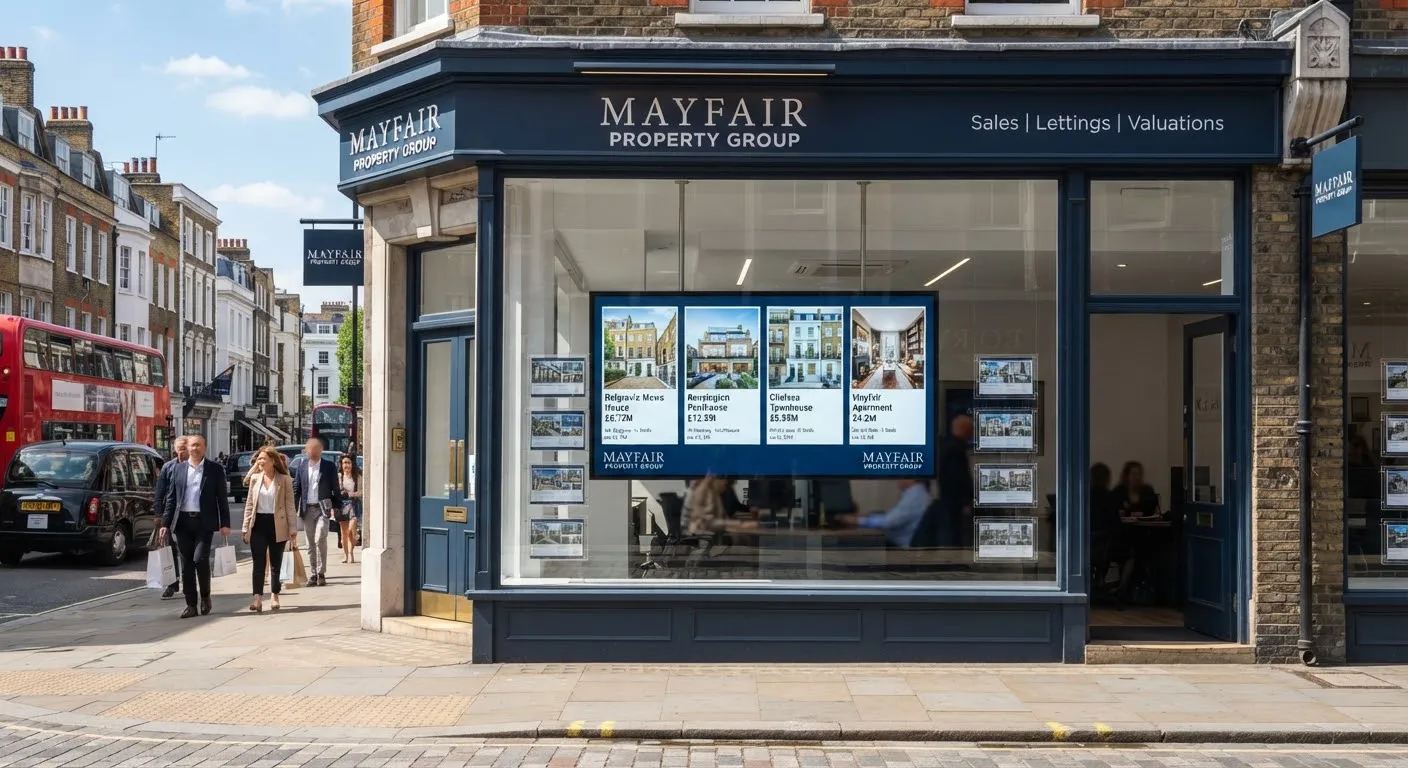
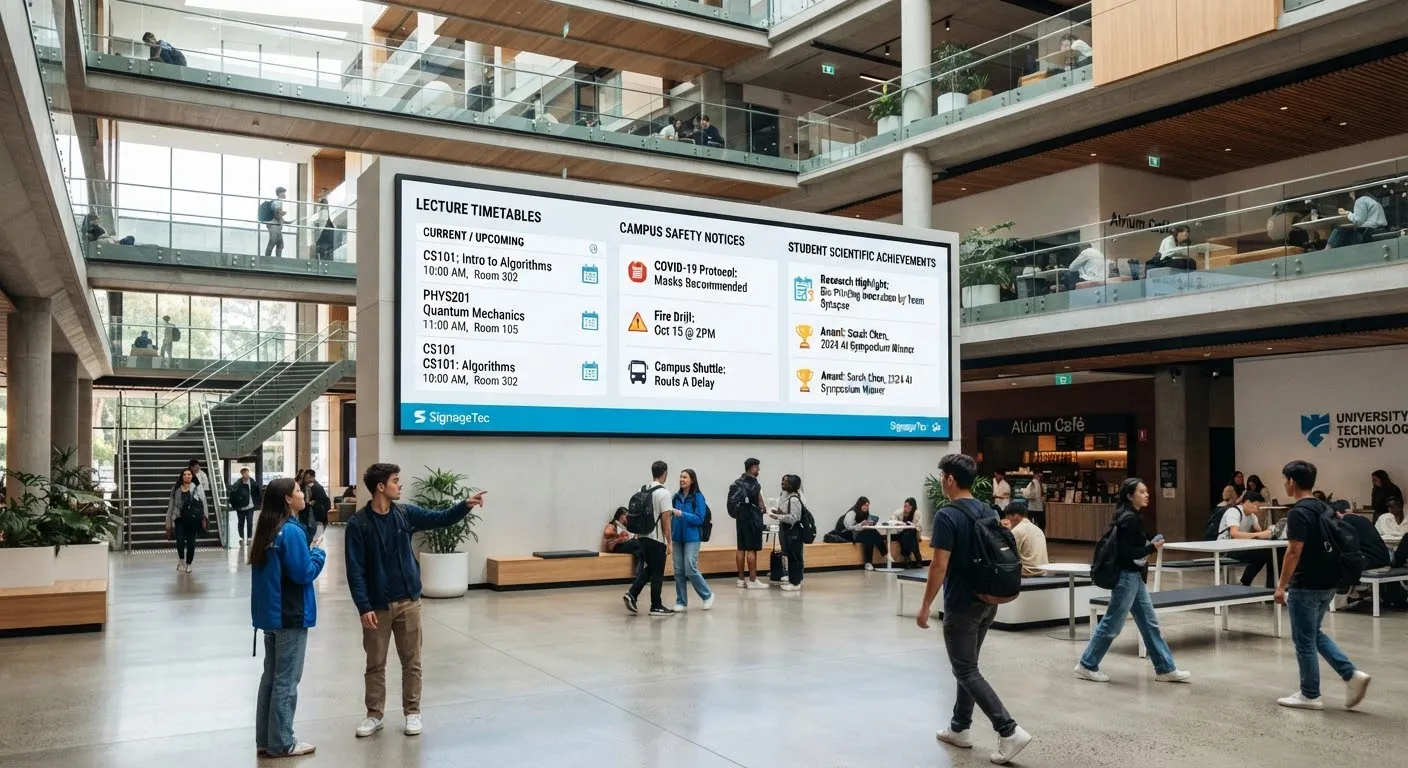
LCD (liquid crystal display) screens use a backlight shining through a panel of liquid crystals that form the image. Commercial LCD displays are the most common type of signage screen. They are used for menu boards, wall-mounted displays, digital posters, window displays and video walls made from several panels.
Strengths
- Sharp, detailed images even when viewed up close.
- Widely available in standard sizes and orientations.
- A cost-effective choice for most indoor screens.
- High-brightness versions available for windows.
Limitations
- Single screens are limited to standard sizes.
- When several LCDs are combined into a video wall, there are thin lines (bezels) between panels.
How LED displays work
Direct-view LED displays are made of thousands of tiny light-emitting diodes mounted on modules. Modules are joined together to form a screen of almost any size or shape. This is the technology used for large shopping centre screens, stadium displays, outdoor billboards and shopfront fascias.
Strengths
- Seamless images with no bezels, at very large sizes.
- Can be built to unusual shapes and sizes to fit a space.
- Very high brightness, suitable for outdoor use and bright atriums.
- Modules can be replaced individually if one fails.
Limitations
- Generally a higher investment than LCD for the same size, especially with fine pixel pitch.
- Needs a minimum viewing distance to look its best.
- Installation is more involved and is often a project in itself.
Understanding pixel pitch
Pixel pitch is the distance between the centres of neighbouring pixels on an LED display, measured in millimetres. It is the most important specification when choosing LED.
- A smaller pixel pitch packs pixels more closely, so the image looks sharp from closer up. It costs more.
- A larger pixel pitch is fine for screens viewed from further away, such as building-mounted or outdoor screens.
As a rule of thumb, the closer people will stand, the finer the pixel pitch you need. Your supplier can recommend a pitch based on the real viewing distances in your space.
Which should you choose?
| Situation | Usually the better fit |
|---|---|
| Menu boards and counter screens | LCD |
| Wall-mounted information screens | LCD |
| Shop window displays | High-brightness LCD |
| Feature walls in receptions and atriums | LCD video wall or fine-pitch LED |
| Very large or unusually shaped screens | LED |
| Shopfront fascias and banners | LED |
| Outdoor advertising screens | Outdoor LED or outdoor LCD |
Other things to consider
- Content. LED walls often have non-standard resolutions, so content may need to be designed to fit.
- Power and heat. Large and very bright screens use more power and produce more heat, so plan ventilation and electrical supply.
- Maintenance. Ask how faults are handled, whether spare modules are supplied and how the screen is accessed for servicing.
- Planning permission. External and illuminated screens may need advertisement consent. See our outdoor digital signage guide.
See it before you decide
If you can, view LED and LCD screens in person at the distance your customers will stand. It is the quickest way to judge which is right.
Getting started
SignageTec supplies commercial LCD displays, video walls and LED displays and fascias. Browse our products, see examples on our industries page, or ask us to recommend the right technology for your space.