Outdoor digital signage can reach far more people than a screen inside your premises: drivers at a drive-thru, shoppers on a high street, visitors arriving at a campus or guests walking to a venue. But the outdoors is a demanding environment. This guide covers what to think about before installing screens outside.
Brightness
Sunlight is the biggest challenge. A normal indoor screen becomes almost unreadable outdoors in daylight. Outdoor displays are much brighter and usually include an ambient light sensor, which raises brightness in sun and lowers it at night so the screen is not glaring and uses less energy.
The right brightness depends on whether the screen faces the sun, sits in shade or is covered by a canopy. Your supplier should look at the site before recommending a model.
Weatherproofing
Outdoor screens must cope with rain, wind, dust, heat and cold. Look for:
- IP rating. The Ingress Protection rating shows how well a device is sealed against dust and water. Outdoor screens should carry a rating suitable for exposure to rain.
- Temperature management. Built-in heating and cooling keep the screen within its working range in winter and summer.
- Protective glass. Toughened, anti-reflective glass protects the panel and improves readability.
Security and vandalism
Outdoor screens are exposed. Consider:
- Strong enclosures and secure fixings.
- Impact-resistant glass.
- Mounting height and position to discourage tampering.
- Locked access panels for players and cables.
Power and connectivity
Plan how power and data will reach the screen safely. This may involve ducting, external-rated cabling and work by a qualified electrician. Mobile data connections can be useful where running a network cable is difficult.
Permissions
In the UK, many outdoor signs, particularly illuminated and digital signs, need advertisement consent from the local planning authority. Additional rules can apply to listed buildings, conservation areas and signs near roads. Landlords and shopping centres may also have their own requirements.
Rules vary, so always check with your local council planning department, or ask a planning adviser, before you commit to an installation. Conditions such as brightness at night, how often content changes and whether moving images are allowed are common.
Content for outdoor screens
- Keep it short. People walking or driving past have only a few seconds.
- Use large text and strong contrast. Fine detail disappears at a distance.
- Avoid distraction near roads. Fast-changing or flashing content can be inappropriate, and may not be permitted.
- Change content by time of day. Morning commuters and evening visitors respond to different messages.
- Consider night-time. Dimmer settings and darker designs are more comfortable after dark.
Types of outdoor screen
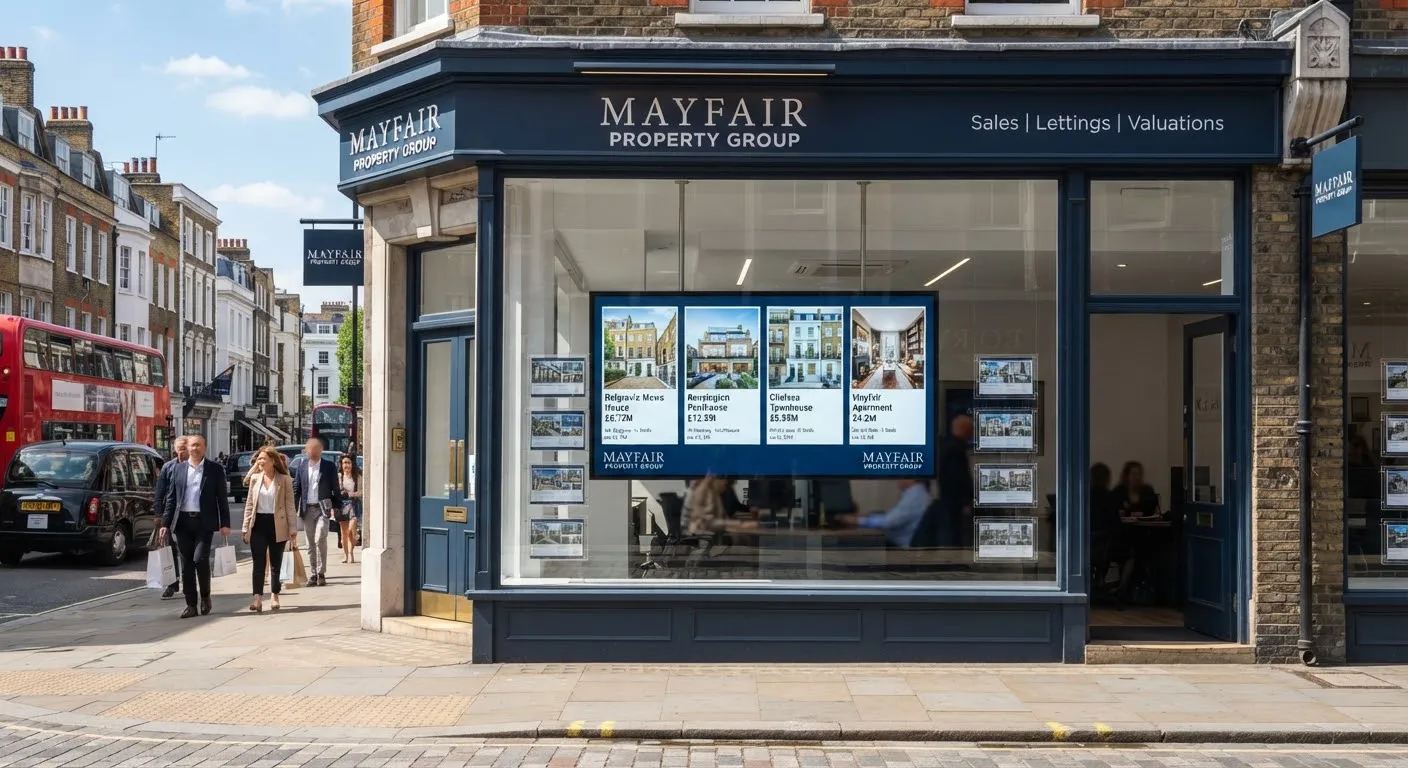
- Wall-mounted outdoor displays on building fronts.
- Freestanding totems at entrances and in car parks.
- Drive-thru menu boards.
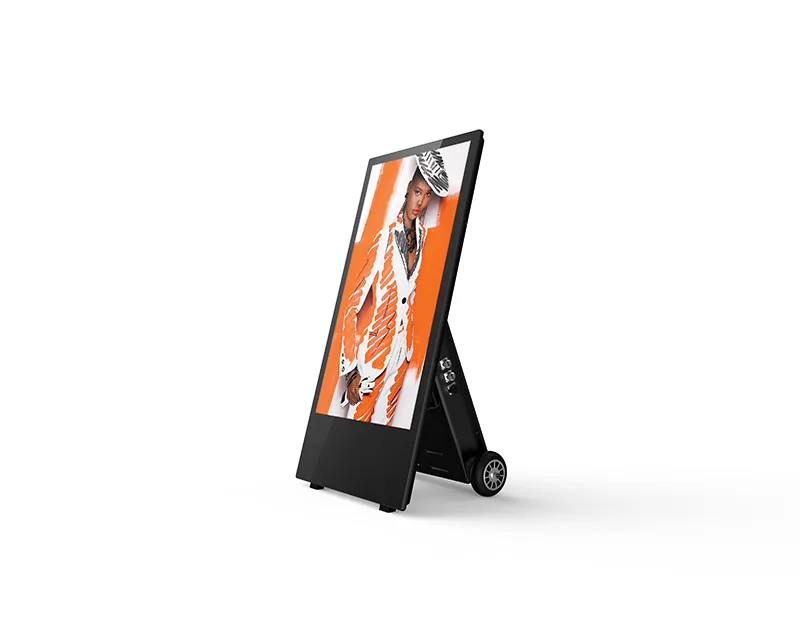
- Outdoor digital A-boards for pavements. See digital posters and A-boards.
- Outdoor LED screens for large-format advertising. See LED vs LCD.
Maintenance
Ask how the screen will be cleaned and serviced, what is covered by the warranty and how quickly faults are dealt with. Easy access for servicing saves time and cost later.
Choosing the location
Stand where your audience will be and look at the proposed position at different times of day. Check sightlines from the pavement or road, any trees, street furniture or neighbouring signs that might block the view, and whether the screen will face direct sun.
Getting started
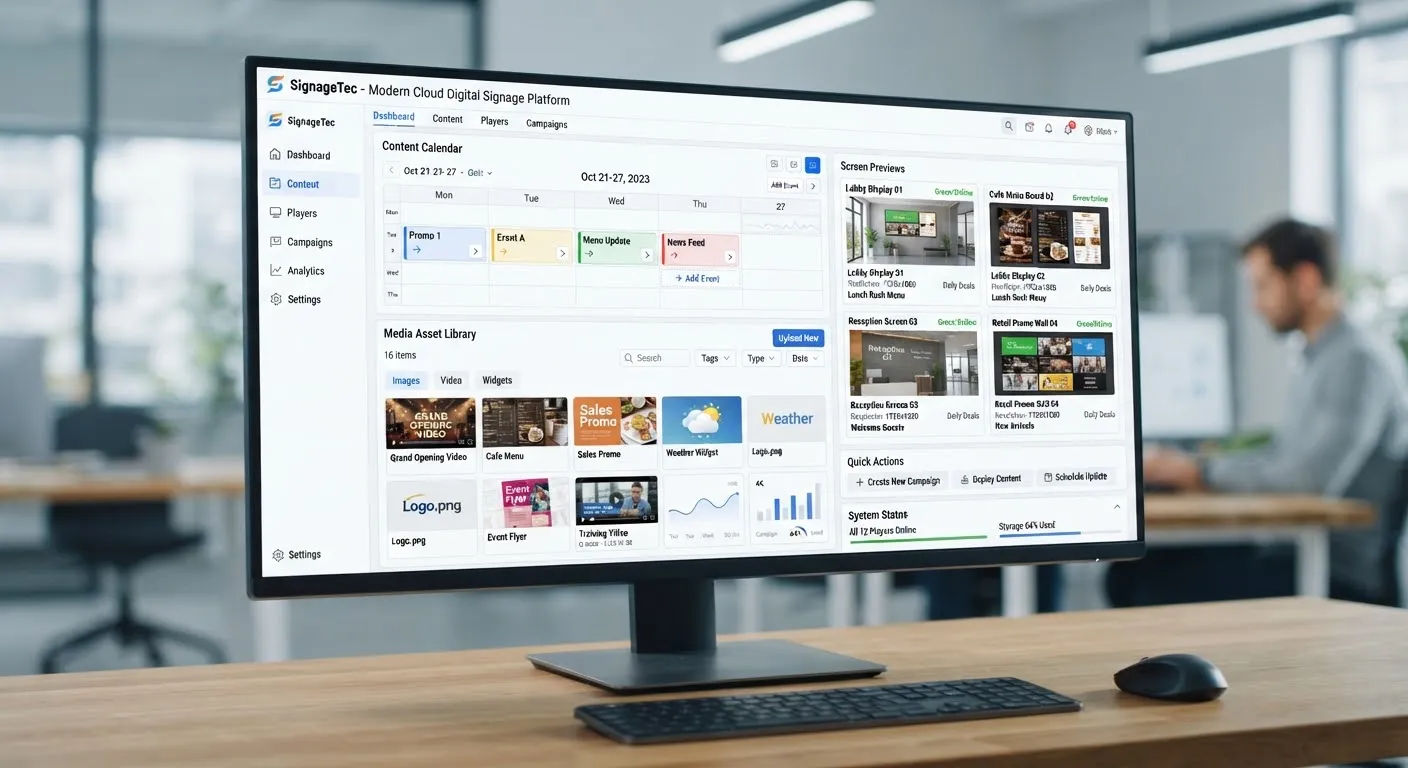
SignageTec supplies outdoor displays, totems and digital A-boards and can advise on brightness, enclosures and installation for your site. See how different sectors use outdoor screens on our industries page, or contact us to discuss your project.