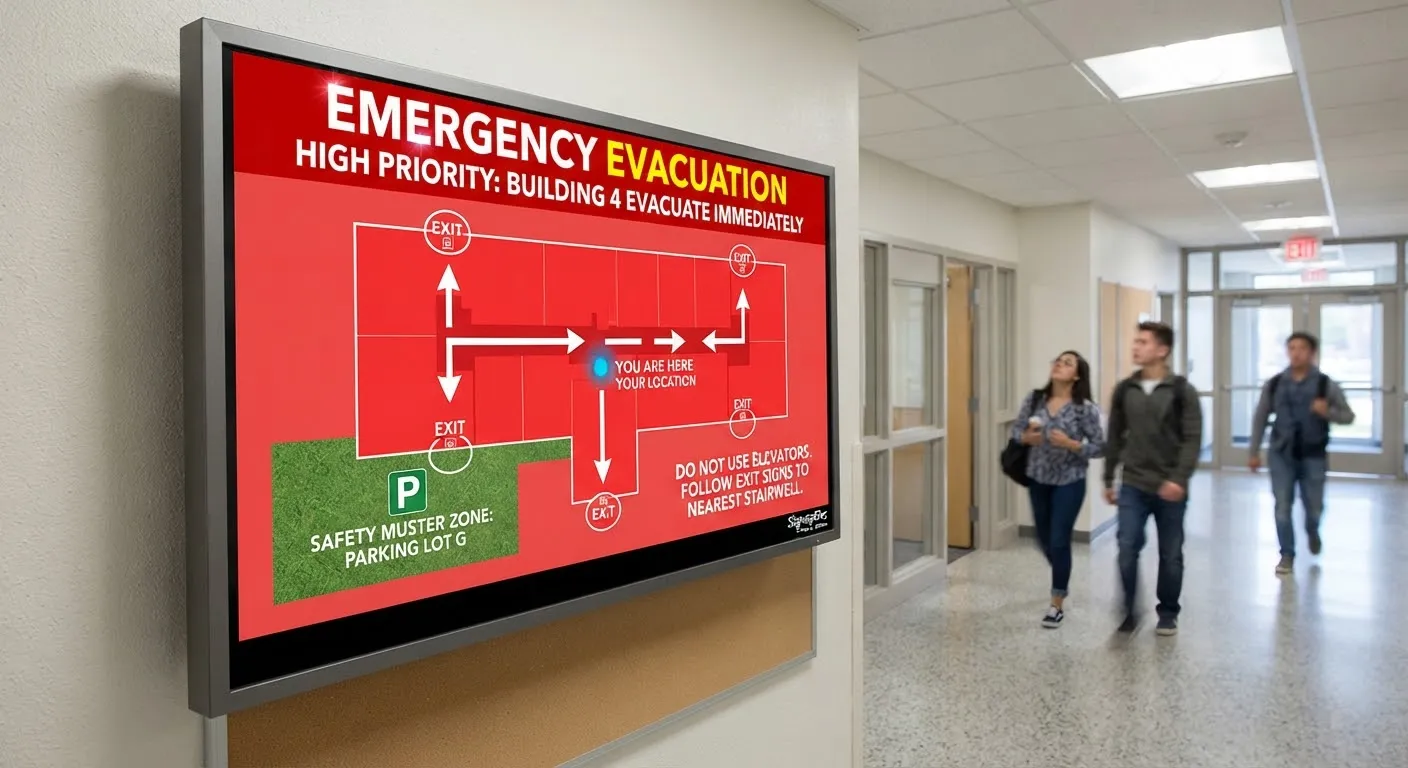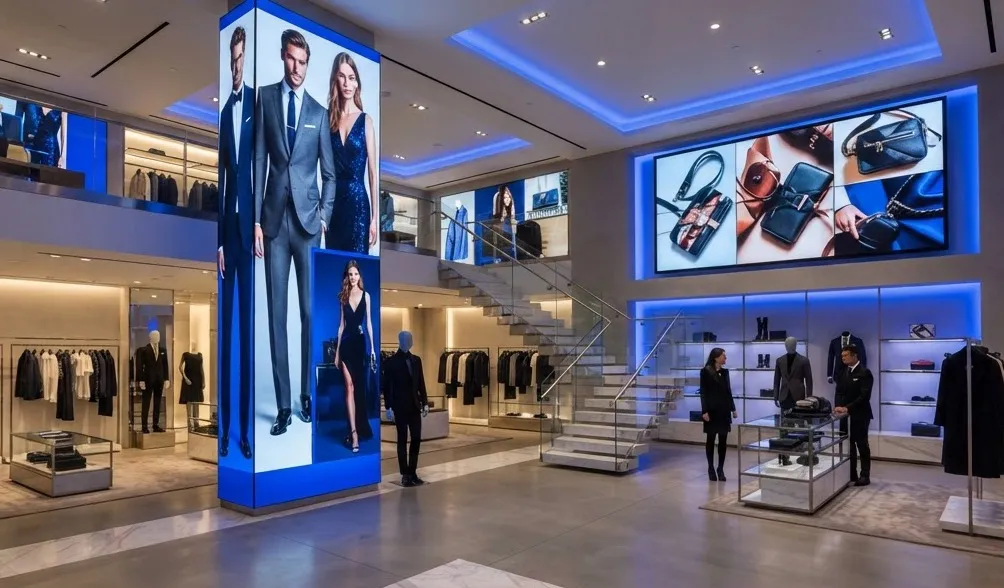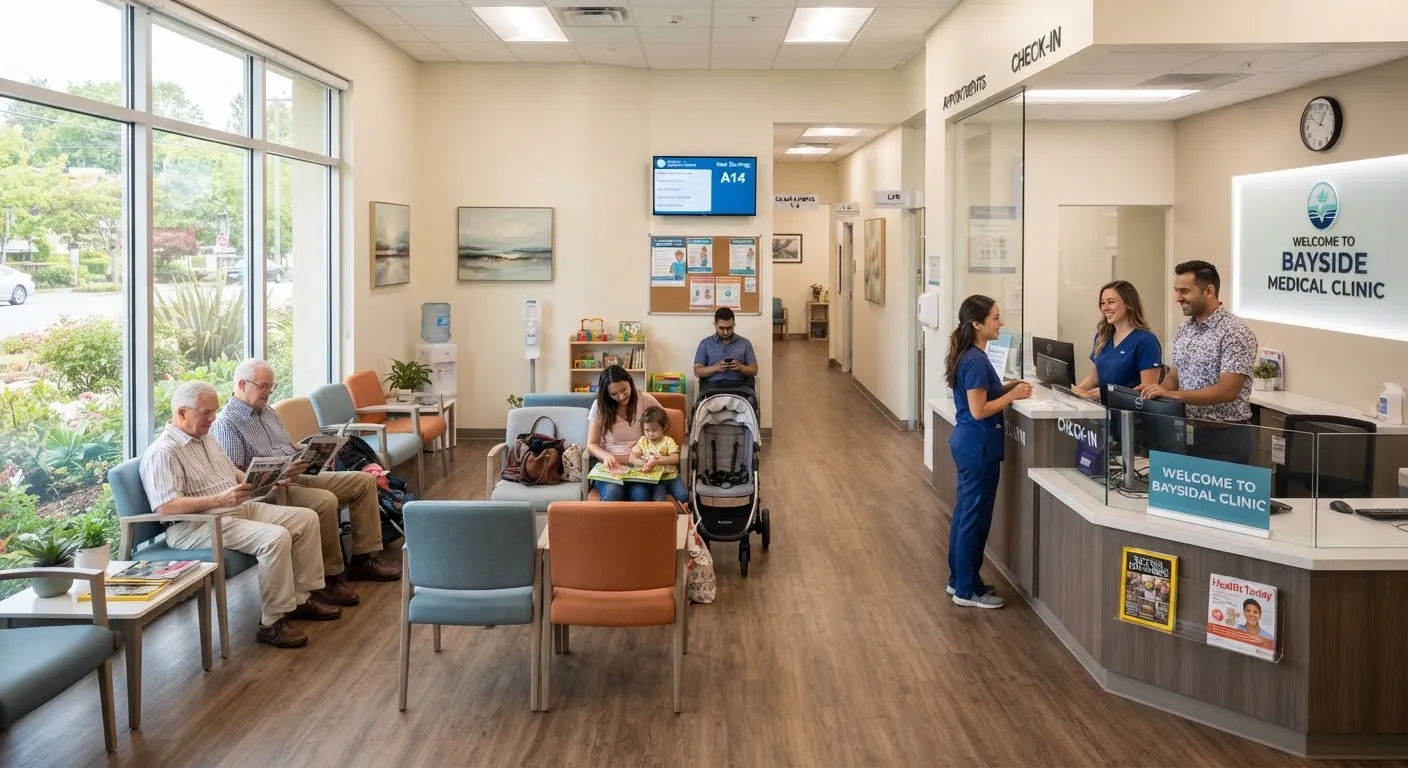
Waiting rooms come in many forms: GP surgeries, dental practices, vets, car dealerships, garages, salons, solicitors, council offices and receptions of every kind. In each, people sit with little to do but look around. A well-planned screen can make that time more pleasant and more useful, for visitors and for your business.
This guide explains what to show, how to set up a waiting room screen and a few UK rules to be aware of.
Why not just put the TV on?
A TV showing a random channel might fill the silence, but it does little for your business. You have no control over what appears, and it can be distracting or even inappropriate. A digital signage screen lets you choose exactly what visitors see.
What to show
Useful information
- What happens next, how long waits usually are and how visitors will be called.
- Opening hours, booking options and how to contact you.
- Changes to services or upcoming closures.
- Wi-Fi details and facilities.
Your services
Many visitors do not know everything you offer. A dental practice can explain hygienist appointments; a garage can mention MOTs and tyres; a salon can feature treatments; a solicitor can introduce other areas of law.
Helpful content
- Seasonal advice and tips relevant to your sector.
- Short “how it works” explainers.
- Local news, weather and community information.
Trust and personality
- Introductions to your team.
- Genuine reviews, used with permission.
- Charity and community activities.
Feedback
Invite visitors to leave a review or complete a short survey, with a QR code or nearby touch screen.
How to set it up
Placement
Mount the screen where most seats can see it without twisting, at a comfortable viewing height and away from glare from windows. Keep it clear of fire exits and walkways.
Screen size
Choose a size that is readable from the furthest seat. In a large waiting area, two smaller screens can work better than one large one.
Sound
Many waiting rooms are best kept quiet. Design content to work without sound, with captions on any video. If you do use audio, keep it low and consider whether staff can hear patients or customers clearly.
Content length
Visitors may wait a few minutes or much longer. A playlist that repeats too quickly becomes irritating, so include enough variety.
Updating content
Use cloud software so you can change messages remotely and schedule them in advance. Our guide to how cloud digital signage software works explains how.
UK rules to be aware of
- TV Licence. In the UK, you need a TV Licence to watch or record live TV broadcasts, including on screens in business premises. Showing your own signage content does not require one. Check with TV Licensing if you are unsure.
- Music licensing. If you play music in a business waiting area, you are likely to need a music licence. Check with the relevant licensing body.
- Privacy. Never display personal or sensitive information about visitors on a public screen.
Healthcare waiting rooms
Clinics and surgeries have particular needs around privacy, calling systems and patient information. Read our detailed guide to digital signage in healthcare.
Measuring whether it helps
Ask reception staff whether visitors ask fewer routine questions, and track interest in the services you promote on screen. Small changes to content can make a noticeable difference.
Getting started
SignageTec supplies commercial displays and cloud software for waiting areas of all sizes, and can help design your first content. See examples across sectors on our industries page, or get in touch.