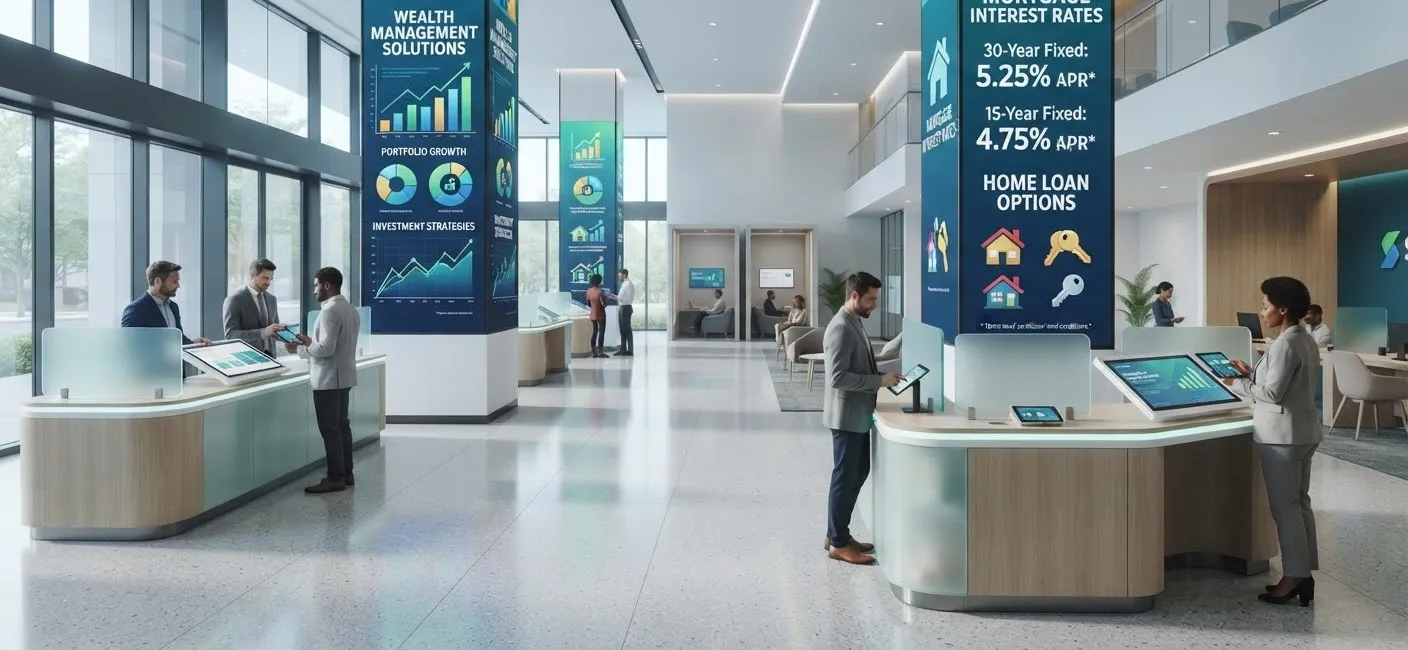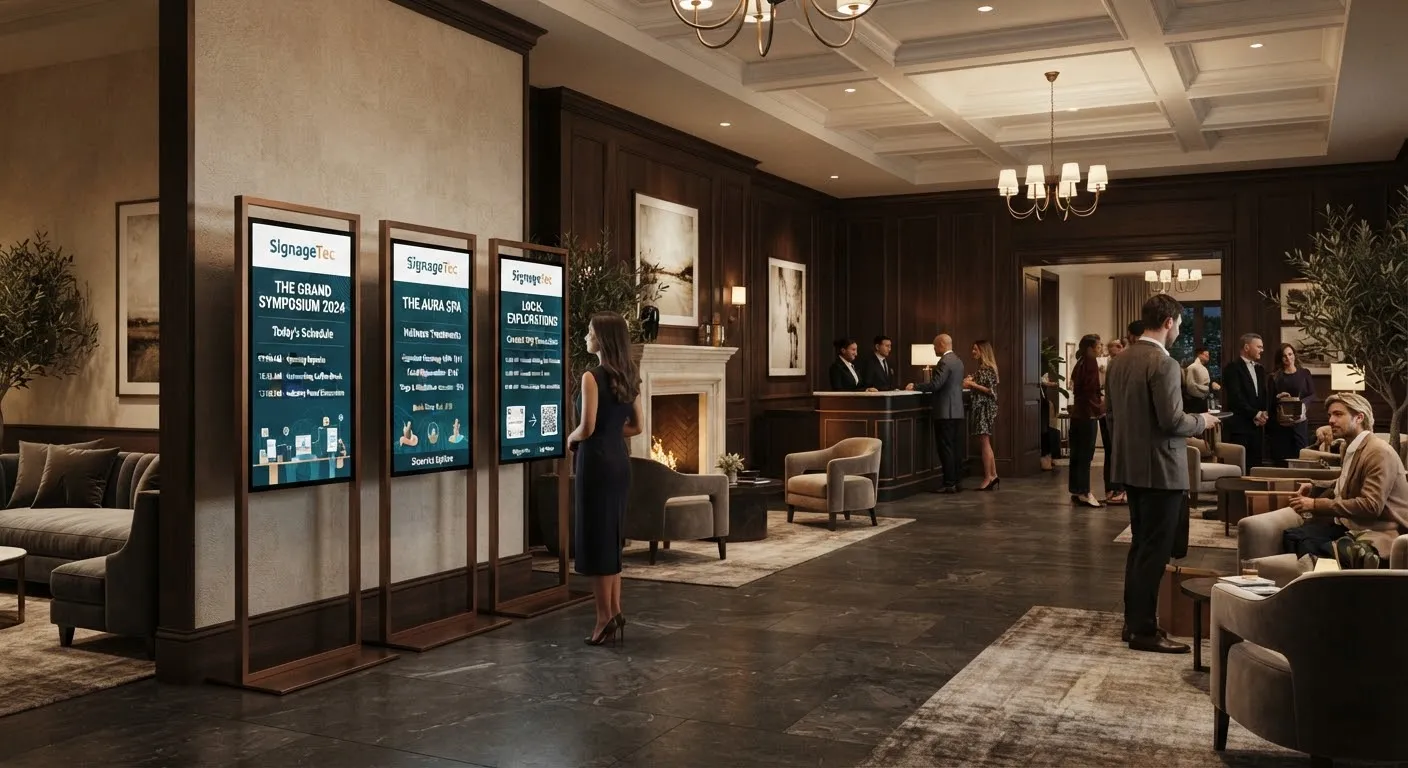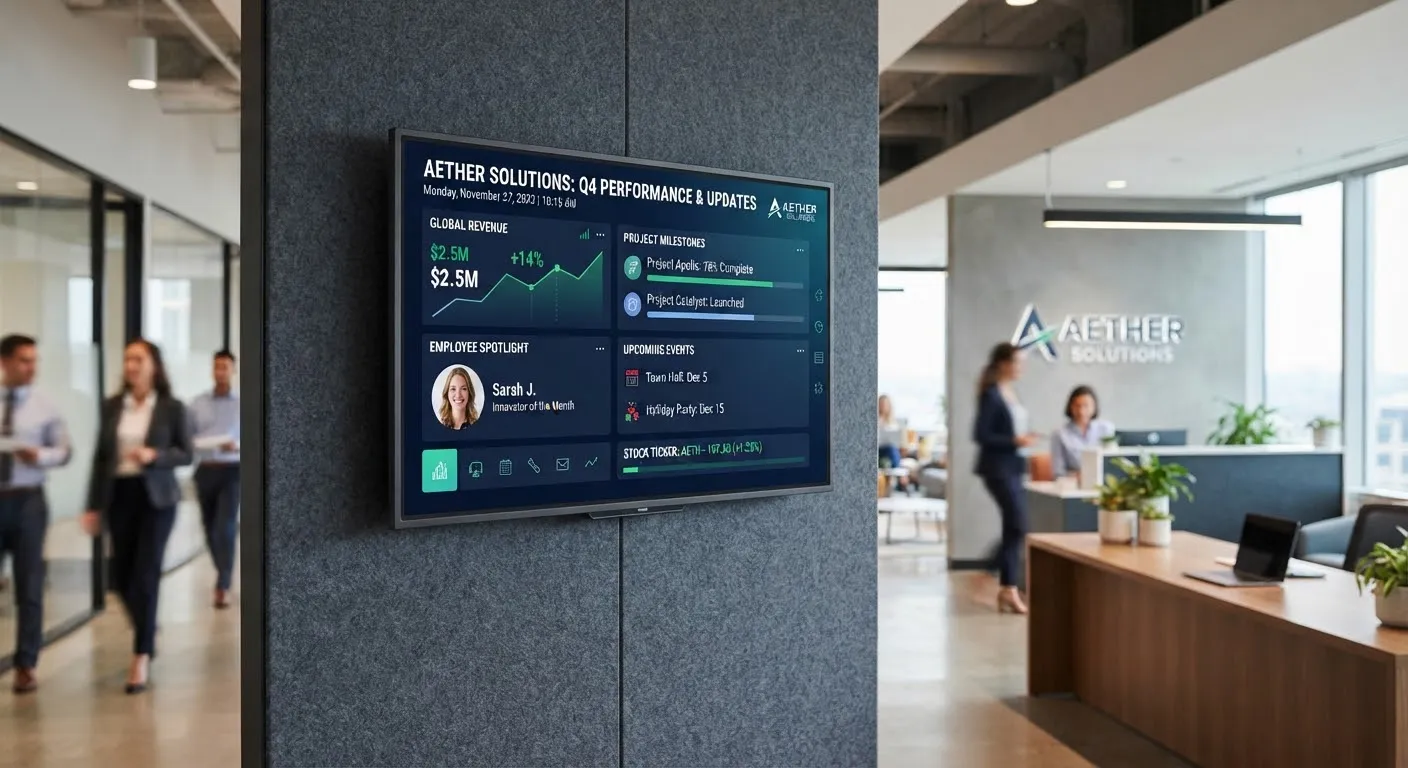
Email inboxes are overflowing, intranets go unread and many staff, from warehouse teams to field engineers, are rarely at a desk. Digital signage gives organisations a simple way to share news and information where people actually are: in receptions, corridors, kitchens, break rooms and production areas.
What to show on office screens
Company news and announcements
New starters, leadership updates, office changes and upcoming events. Short summaries on screen can point people to fuller information on the intranet.
Performance and dashboards
Sales figures, project progress, customer satisfaction or production targets can be displayed from live data, so teams see how they are doing in real time. Think carefully about what is appropriate to share and where.
Recognition
Celebrating achievements, anniversaries, birthdays and team wins is one of the most popular uses of workplace screens, and helps build a positive culture.
Health, safety and wellbeing
- Safety reminders and procedures.
- First aiders and fire wardens.
- Wellbeing tips and employee assistance information.
- Emergency messages when needed.
Practical information
- Meeting room bookings and today’s schedule.
- Canteen menus.
- Travel updates and weather.
- IT notices and planned maintenance.
Visitor welcome
A reception screen can welcome visitors by name, show the company’s story and share Wi-Fi details and safety information.
Workplaces beyond the office
Digital signage is particularly valuable in warehouses, factories, depots and retail back-of-house, where staff may not have company email. Screens near clocking-in points, break areas and canteens make sure everyone gets the same information.
Tips for effective workplace screens
- Keep it fresh. Staff walk past the same screens every day, so update content often and remove anything out of date.
- Use short messages. People glance as they pass. One message per slide.
- Mix content types. Combine business news with lighter content so people keep looking.
- Make it two-way. Invite teams to submit news, photos and achievements.
- Schedule content. Show shift-relevant messages at the right times. See how to schedule content.
- Plan for multiple sites. Share company-wide news everywhere while each site adds local updates.
Security and privacy
Screens in shared or public areas can be seen by visitors, contractors and passers-by. Keep commercially sensitive figures and personal data to screens in staff-only areas, and agree who can publish content.
Integrations
Many signage systems can pull content from calendars, spreadsheets, dashboards and social media, keeping screens updated without manual work. Read how cloud digital signage software works.
Choosing screens
- Wall-mounted displays for corridors, kitchens and receptions.
- Video walls for a striking reception feature. See video walls explained.
- Meeting room screens for bookings and schedules.
- Industrial-grade screens for dusty or demanding environments.
Getting started inside the organisation
- Agree the purpose. Decide whether screens are mainly for news, performance, safety, culture or a mix.
- Appoint content owners. Internal communications, HR, health and safety and site managers often each own part of the content.
- Create templates. Simple templates for news, recognition and notices make it quick for anyone to contribute while keeping a consistent look.
- Set a review rhythm. A weekly check that content is current stops screens drifting out of date.
- Ask for feedback. Staff will tell you quickly what they find useful and what they ignore.
Measuring success
Look at take-up of the things you promote, such as event sign-ups, training bookings or wellbeing services, and ask staff in short surveys whether screens help them stay informed.
Getting started
SignageTec supplies displays and cloud software for offices, warehouses and multi-site organisations. See how other sectors use screens on our industries page, or get in touch to discuss your workplace.