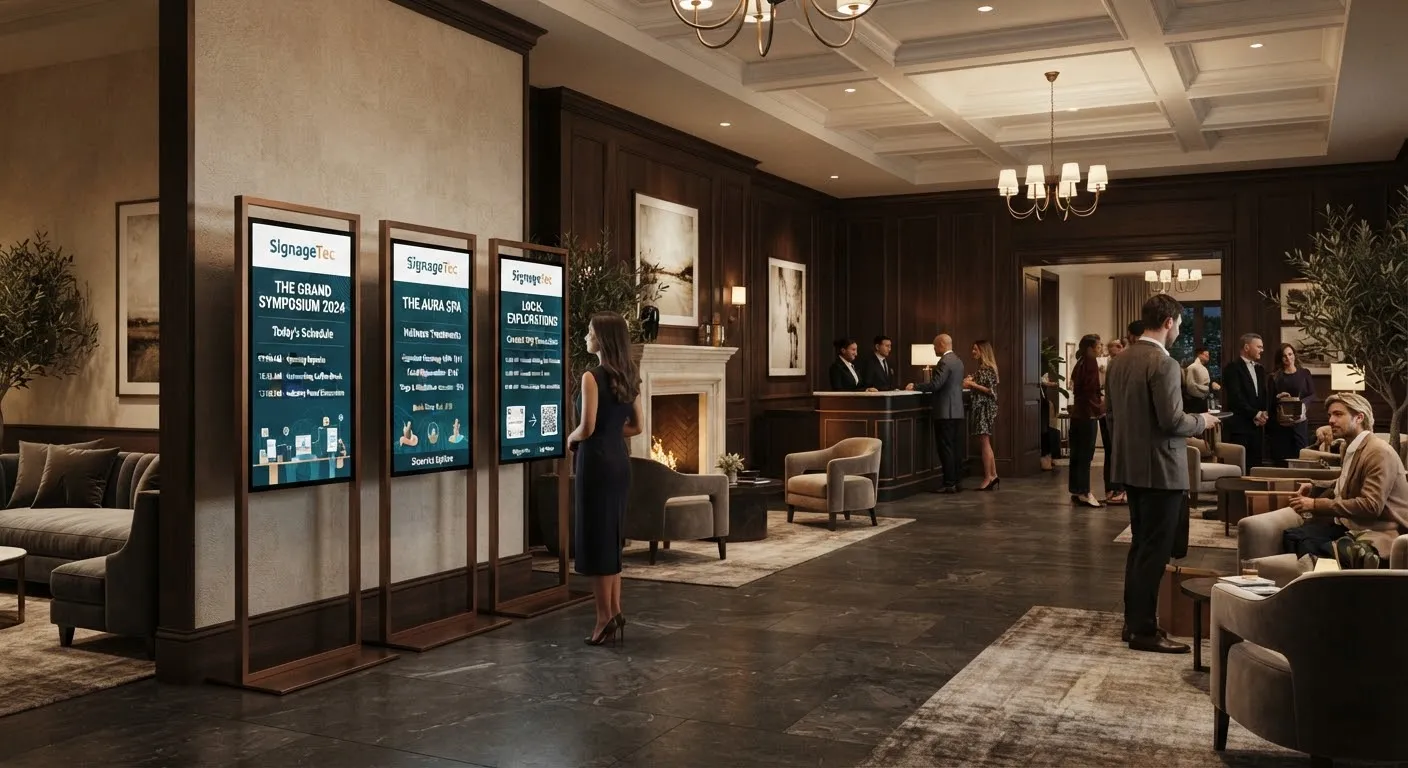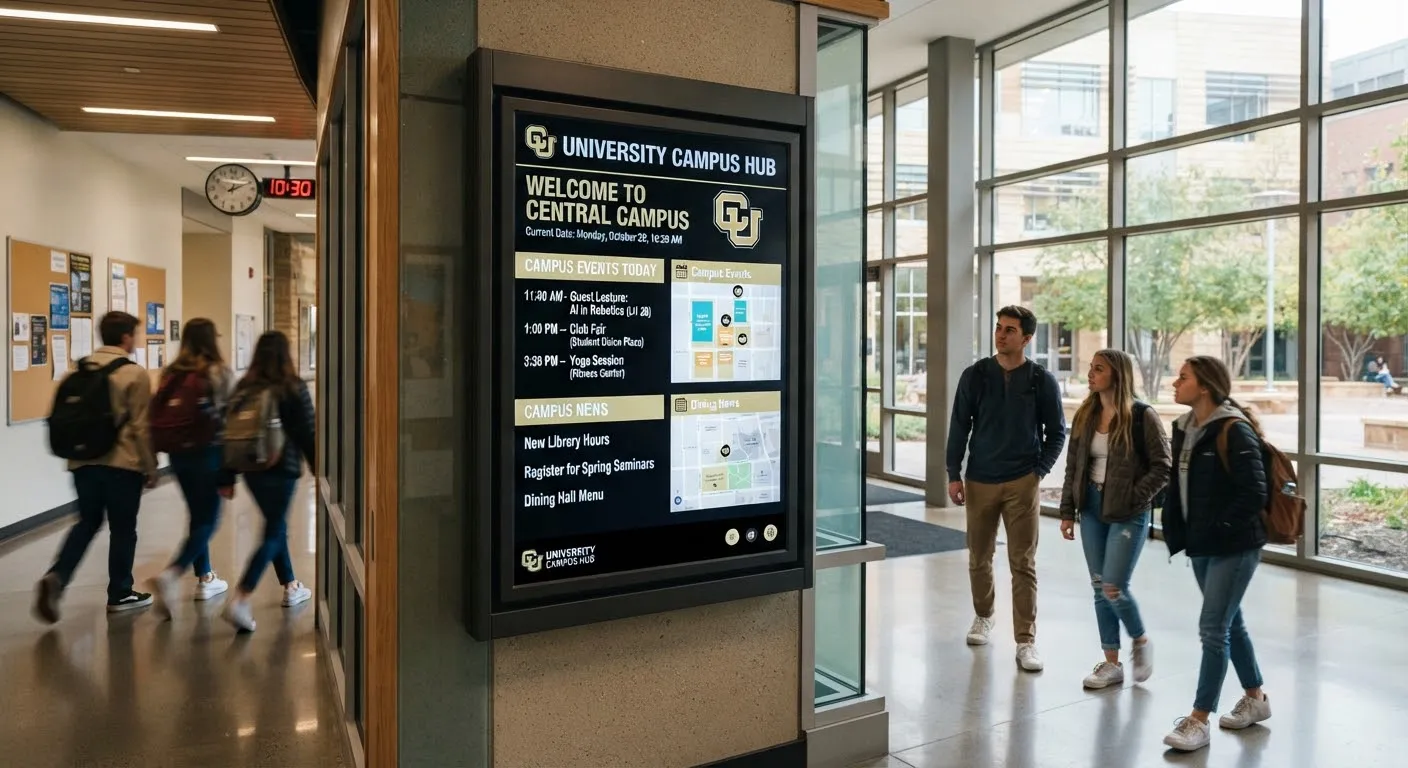
Schools, colleges and universities often install screens and then wonder what to put on them. A screen that shows the same three slides for months soon becomes invisible. This guide offers practical content ideas for education screens, organised by purpose, so yours stay useful and interesting.
Everyday information
These are the reasons people look at screens in the first place.
- Today’s timetable and room changes. Especially useful in corridors and entrances.
- Cancelled or moved lessons and lectures.
- Exam timetables and reminders during exam season.
- Opening hours for the library, sports centre, canteen and support services.
- Transport information, such as bus times and parking updates.
- Weather, particularly on snow days or when outdoor activities may change.
Events and activities
- Open days, parents’ evenings and induction events.
- Sports fixtures and results.
- Clubs, societies and extracurricular activities.
- Performances, exhibitions and guest speakers.
- Careers fairs and employer visits.
Celebrating success
- Student achievements, awards and competition results.
- Staff recognition and long-service milestones.
- Photos from trips, events and performances (with appropriate consent).
- Alumni stories and where former students are now.
Wellbeing and support
- How to access counselling, pastoral care and wellbeing services.
- Mental health awareness days and campaigns.
- Healthy eating and exercise tips.
- Anti-bullying messages and how to report concerns.
- Financial support, bursaries and hardship funds.
Learning and inspiration
- Word of the day, quotes or “did you know?” facts.
- Subject showcases and student work.
- Reading recommendations from the library.
- Study tips during revision periods.
Catering
Canteen menus, allergen information, specials and meal deals can be displayed on menu boards and updated daily.
Wayfinding and visitors
Reception screens can welcome visitors, show maps and explain signing-in procedures. Large campuses benefit from directional screens and interactive maps. See digital wayfinding.
Safety and emergencies
Screens can carry urgent messages and evacuation instructions when needed. Our guide to campus emergency alerts explains how to prepare.
Matching content to location
- Reception: welcome messages, events, achievements, visitor information.
- Corridors: timetables, room changes, reminders.
- Canteen: menus, wellbeing, events, light-hearted content.
- Library: opening hours, study tips, quiet reminders.
- Sports centre: fixtures, results, class timetables.
- Staff room: staff news, training, meetings.
Keeping content fresh
- Assign owners. Give each department responsibility for its own content within approved templates.
- Let students contribute. Student media teams can create content as part of their learning.
- Schedule ahead. Load term-time events in advance and let them appear automatically. See scheduling content across locations.
- Remove expired content. Set end dates so old notices disappear on their own.
Safeguarding and privacy
Follow your safeguarding and data protection policies. Only show photos of students where you have consent, avoid full names where appropriate and never display personal information.
Choosing the right screens
- Wall-mounted displays for corridors, receptions and staff rooms.
- Menu boards for canteens and cafés.
- Video walls for atriums and main entrances. See video walls explained.
- Touch screens for interactive maps, directories and student information.
- Outdoor screens at entrances and in car parks, where permitted.
Plan screen positions where students naturally pause, such as entrances, queues and seating areas, rather than in busy corridors where people rush past.
Check sightlines from seating areas and queues, and make sure screens in sports halls or workshops are protected from impact and dust.
Getting started
SignageTec supplies displays, video walls, touch screens and cloud software for schools, colleges and universities. See our work in education, or contact us to discuss your campus.