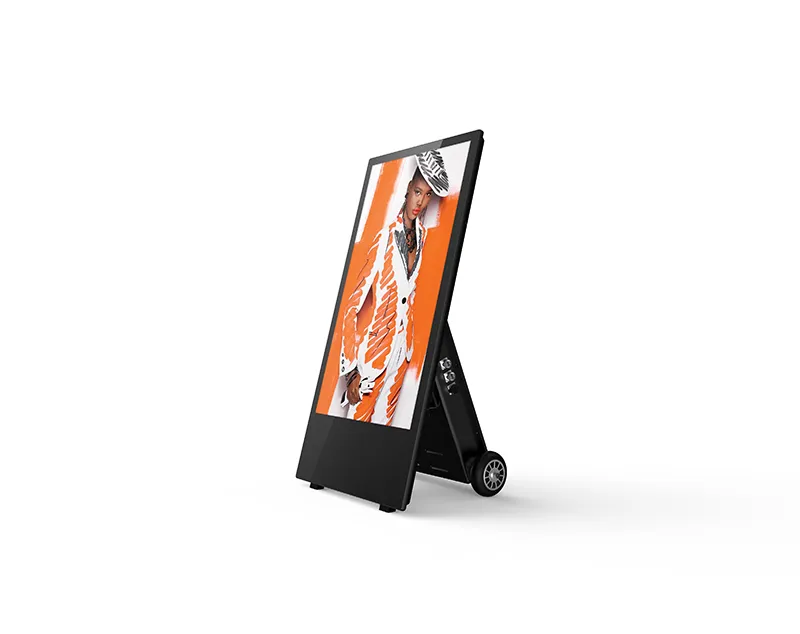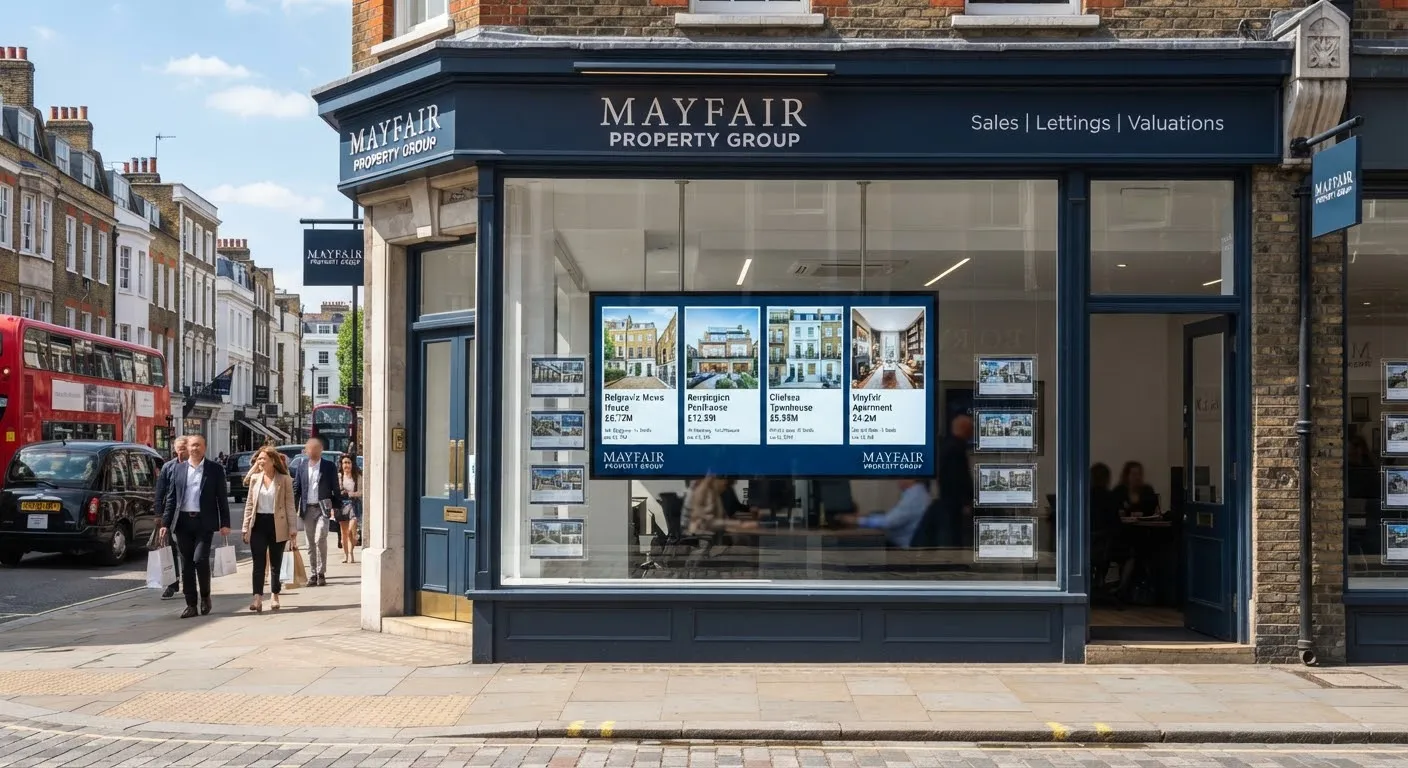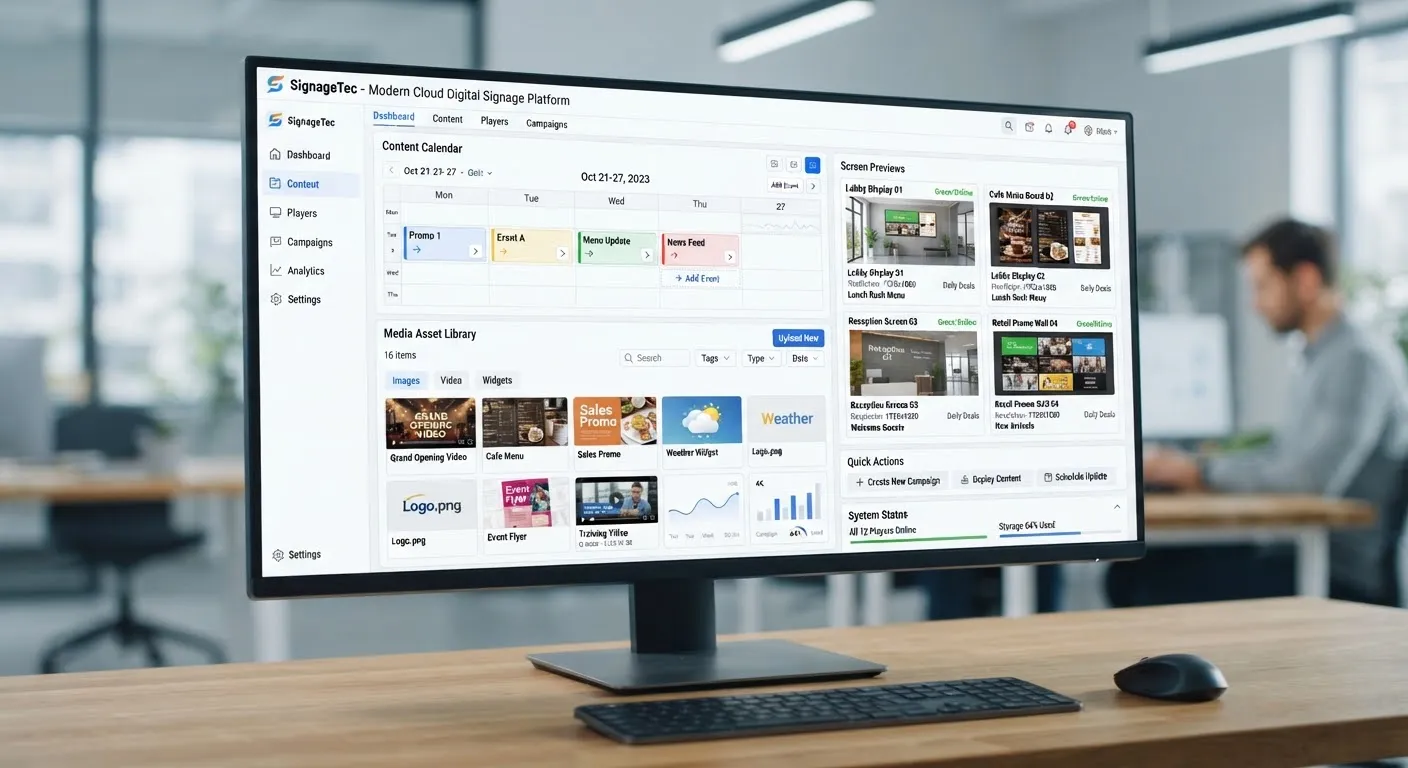
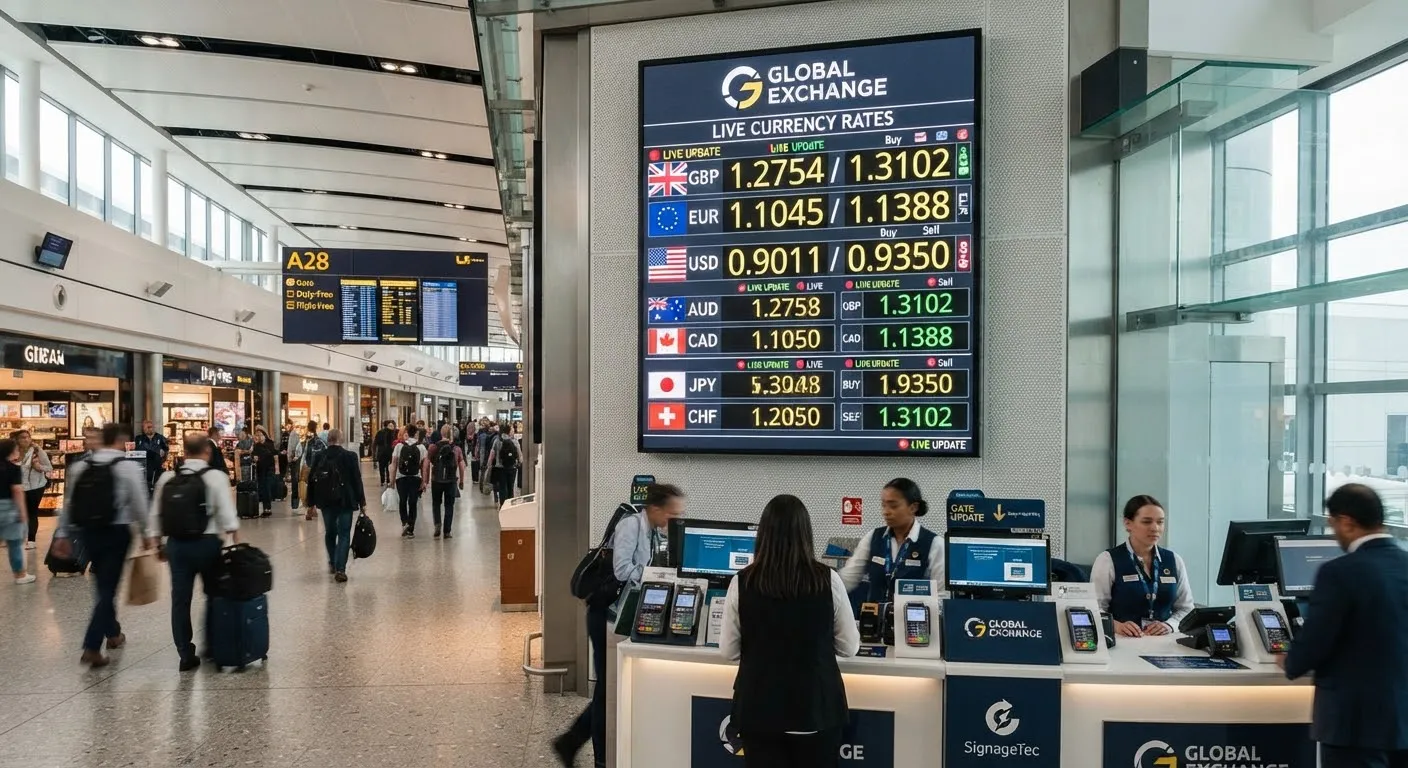
Your rate board does two jobs. It tells customers your buy and sell rates, and it persuades people walking past to come in rather than go next door. The type of board you choose affects how well it does both, how much work it takes to keep up to date and how easily you can run more than one branch.
This guide compares the three main options for bureaux de change, travel money desks, banks and money transfer shops. If you want to know how to connect a board to your rates, see our guide on automating currency rate displays.
Option 1: LED number boards
These are the traditional rate boards: a fixed panel with currency names or flags printed on it and rows of bright LED digits for the rates.
Strengths
- Very bright, so they are easy to read through a window.
- Simple and familiar to customers.
- Low running costs.
Limitations
- They can only show numbers in fixed positions. Adding a currency often means a new panel.
- No room for promotions, opening hours or other services.
- Many models are updated by keypad, remote or software on a single PC, so each branch is often updated separately.
- The look can feel dated next to a modern shopfront.
Best for: a single branch with a short, fixed currency list where nothing else needs to be shown.
Option 2: Indoor digital screens
A commercial screen behind the counter or on a wall inside the branch, showing a designed rate board.
Strengths
- Show as many currencies as you need, with flags, currency codes and “we buy / we sell” columns.
- Share the screen with promotions, travel money pre-order, money transfer services and notices.
- Update from cloud software, so rates can come from one central source and change on every screen at once.
- Easy to change the design, add a currency or reorder the list.
Limitations
- An ordinary indoor screen is not bright enough to face the street through glass.
Best for: boards inside the branch, behind the counter or in a shopping centre unit away from direct sunlight.
Option 3: High-brightness window displays
A commercial screen built to face the street through glass, several times brighter than an indoor TV. Available single-sided (street only) or double-sided (one side to the street, one to customers inside).
Strengths
- Rates stay readable in direct sunlight, on the pavement and from across the road.
- All the flexibility of a digital screen: rates, flags, offers and messages.
- Double-sided models can show rates to the street and promotions or queue information to customers inside.
- Can switch off or dim automatically outside opening hours.
Limitations
- Cost more than indoor screens.
- Need to be chosen for your window: which way it faces and how much sun it gets.
Best for: the main window rate board in most bureaux de change. See high-brightness window displays.
Side by side
| LED number board | Indoor screen | Window display | |
|---|---|---|---|
| Readable in a sunny window | Yes | No | Yes |
| Flags and currency codes | Printed, fixed | Yes, editable | Yes, editable |
| Add or remove a currency | Usually new panel | Edit in software | Edit in software |
| Promotions and notices | No | Yes | Yes |
| Update every branch from one place | Depends on model | Yes, with cloud software | Yes, with cloud software |
| Scheduled on/off | Limited | Yes | Yes |
Updating rates in every branch from one place
For businesses with more than one branch, how rates get onto the board matters as much as the board itself. With digital screens and cloud software:
- Rates come from one source. Your rate system, a spreadsheet or a data feed sets the rates once, and every board reads from it.
- Every branch changes together. When head office changes a rate, every connected screen shows it within moments, so customers never see different rates in different branches.
- Branches cannot change rates by mistake. Roles let head office own the rates while branches manage only local content, if any.
- You can see every board. From head office you can check that every screen is online and showing the latest rates.
- Boards keep working offline. If a branch’s internet drops, the screen keeps showing the last rates it received. You can also choose to show a “please ask for today’s rates” message if rates become too old.
Our guide to managing screens across branches explains how to set this up, and multi-site screen management shows how it works in SignageTec.
Design tips for a rate board that sells
- Make the rates the hero. Large numbers, clear currency codes and flags. Customers decide in seconds.
- Lead with your best currencies. Put the most requested currencies at the top, for example euro and US dollar.
- Show when rates were updated. A small “rates updated at 10:15” line builds trust.
- Keep promotions short. Rotate a short offer or service message alongside the rates, but never hide the rates.
- Check what customers will be charged. Make sure the rates on display match what customers actually pay, including any commission or fees, and follow the rules that apply to your business.
For more on layouts, see our content design tips.
Common questions
Can I keep my LED board and add a screen? Yes. Some businesses keep an LED board in the window and add an indoor screen for promotions. Over time, many replace both with a single window display.
Can a digital rate board read our rates automatically? Yes. The software can read rates from a file, spreadsheet or feed your system produces, so nobody types them into each screen.
Do I need a double-sided display? Only if you want to show different content inside. Many bureaux use the street side for rates and the inside for offers or queue information.
Talk to us about your rate boards
SignageTec supplies rate boards and window displays for currency exchanges and banks, with the cloud software to update every branch from one place. Request a quote or start a free trial.